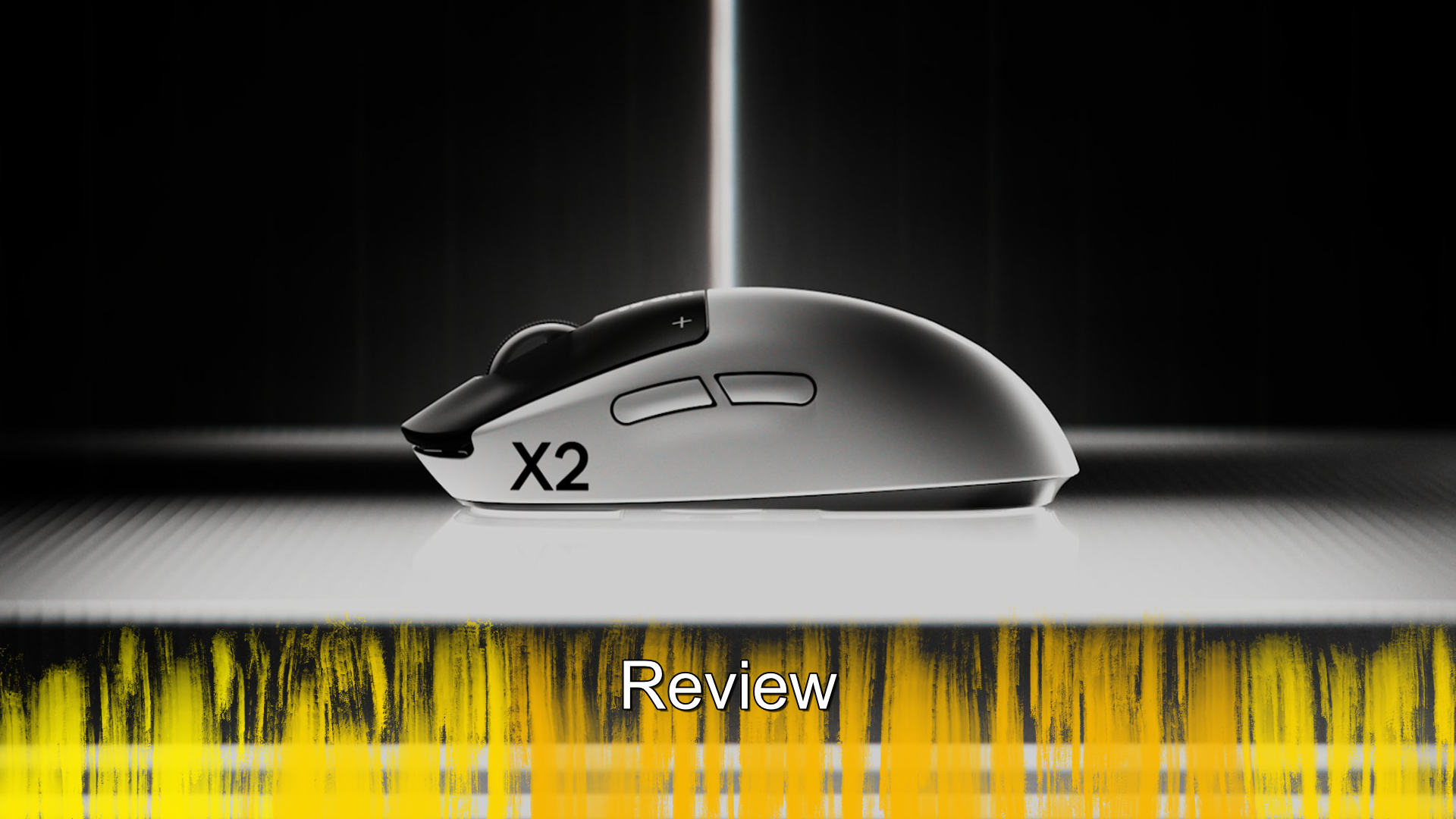
Logitech Pro X2 Superstrike - Review
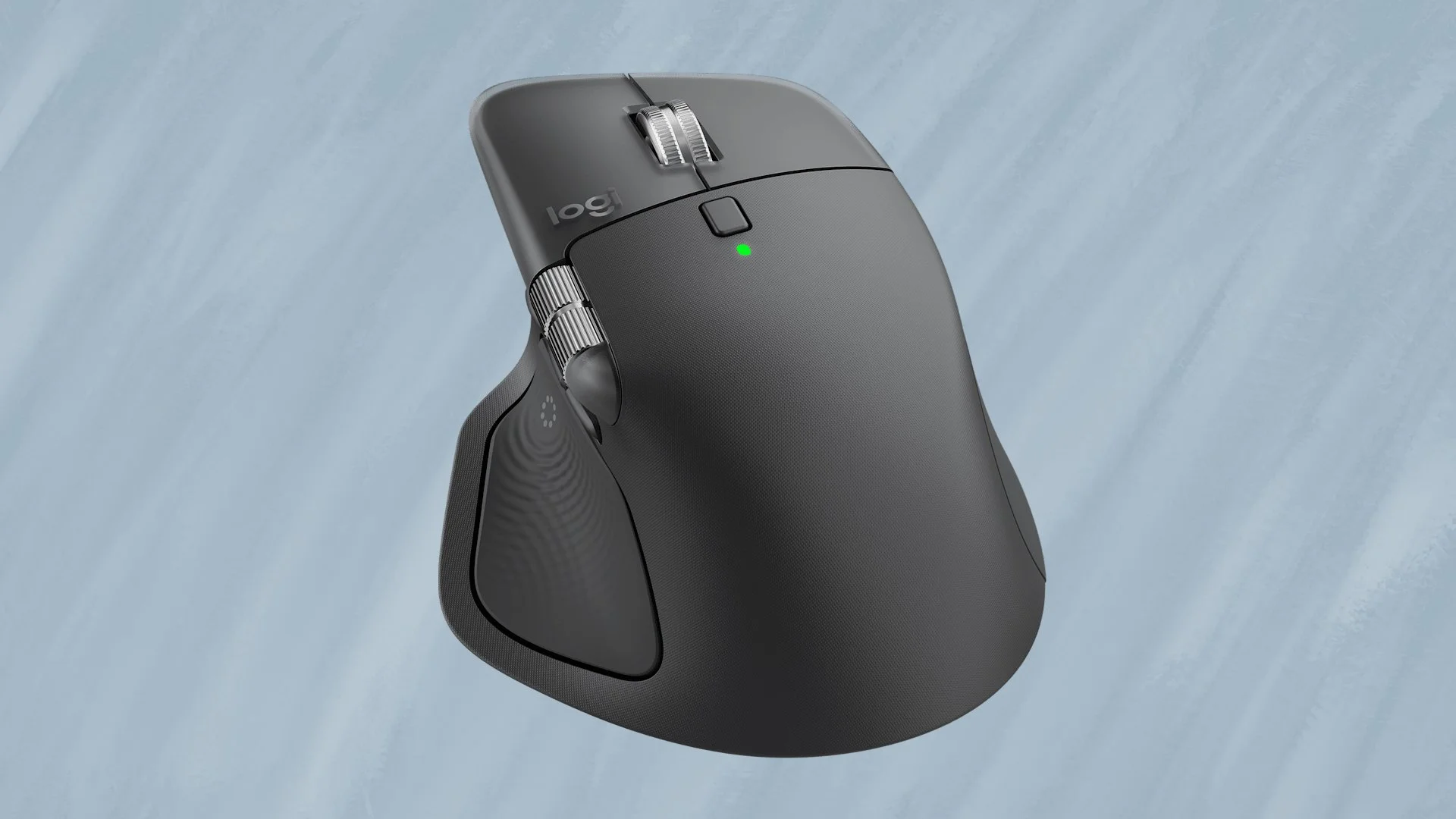
For many, many years now, my mouse has been one of the MX line from Logitech, it is comfortable, offers great battery life and works both great in games and when I need to be productive. So any mouse that seeks to replace it as my go to device, needs to beat all those elements, is that new mouse the brand new Pro X2 Superstrike?
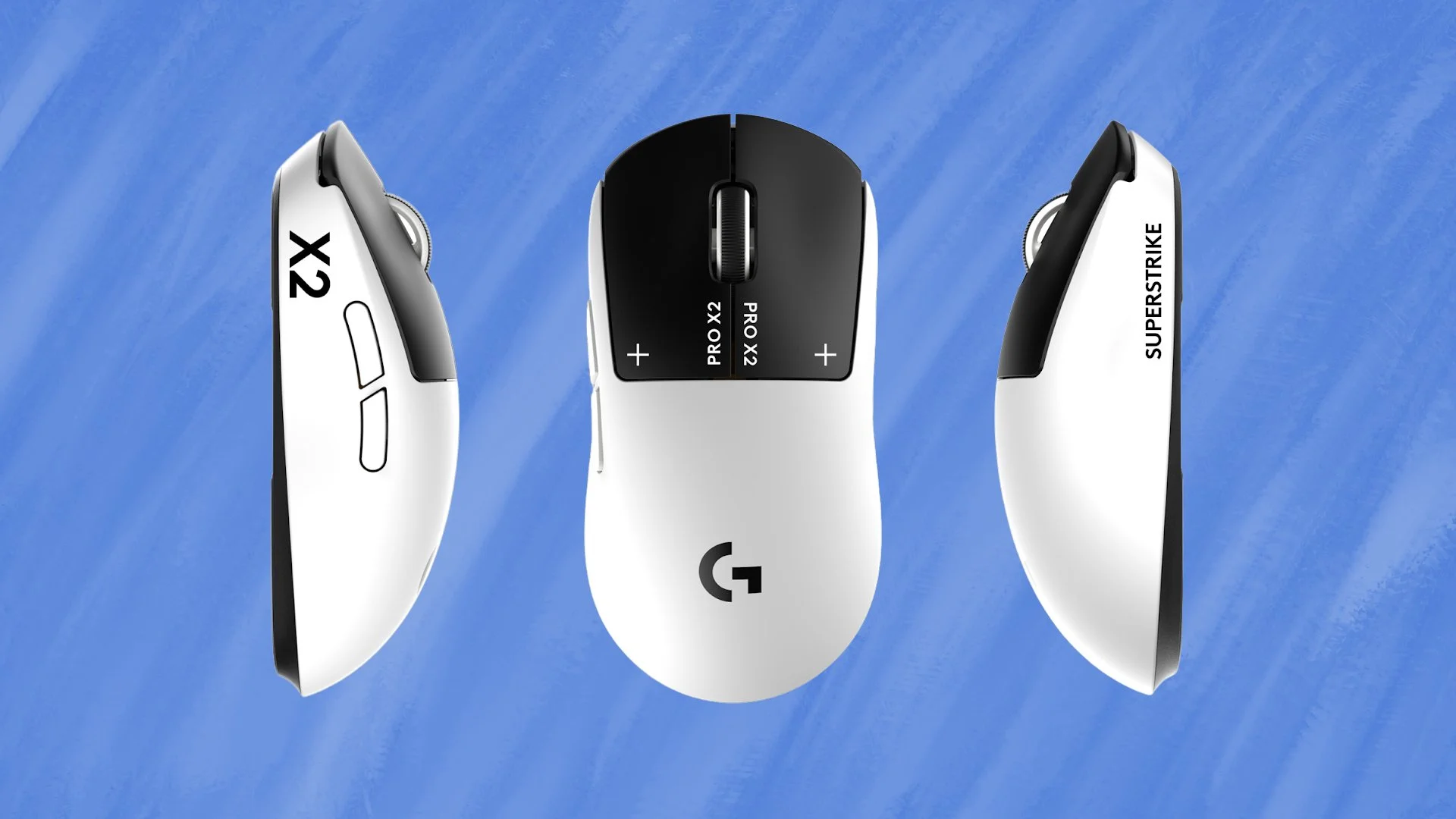
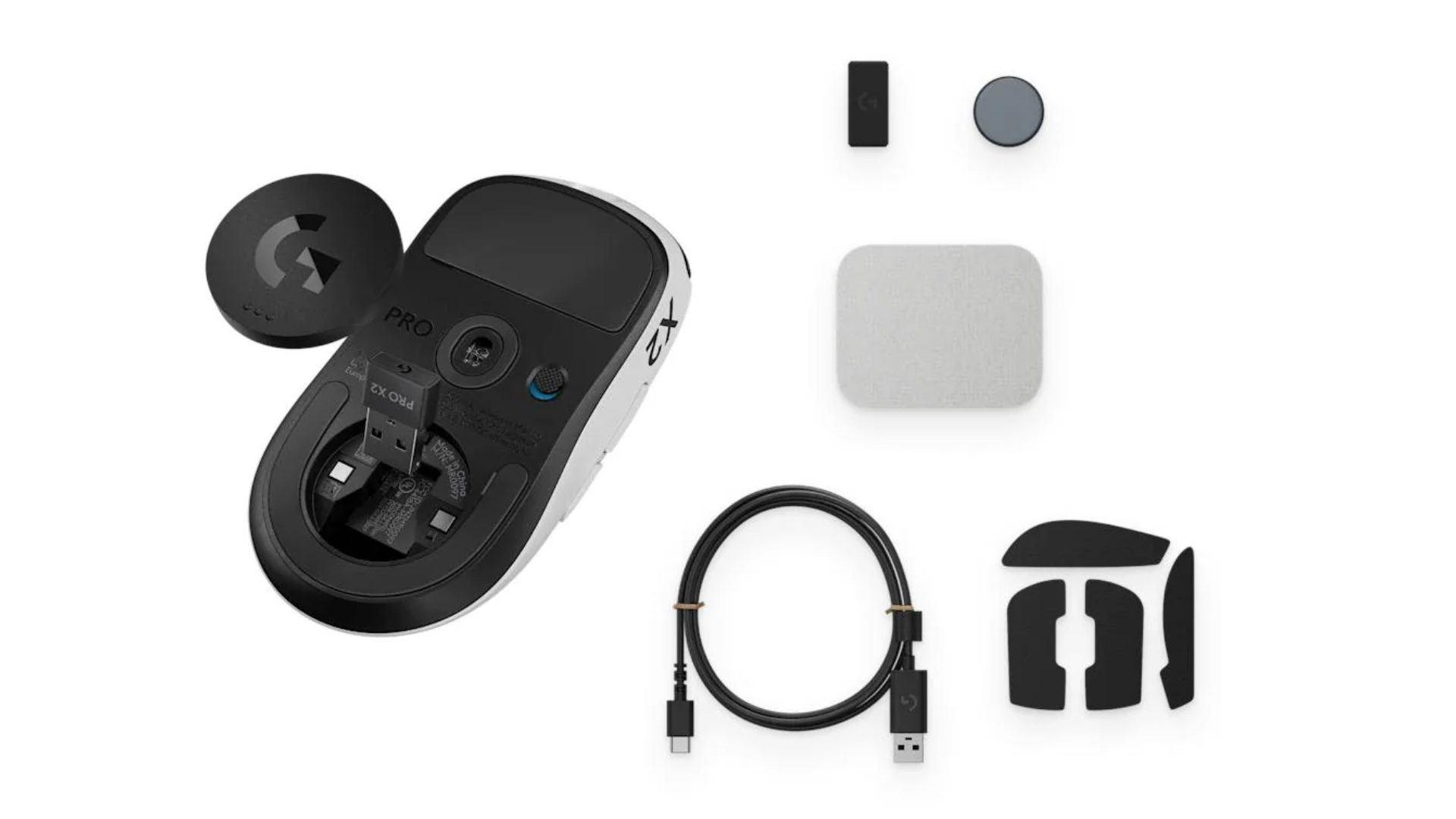
Upon taking the mouse out of the box, there is nothing at a glance that makes you think this mouse will be anything other than a generic gaming mouse. The form factor is pretty basic, it does not have any external accessories, it just looks like every other mouse. No, what makes this mouse special is what is inside, but we will get to that in a bit. The form factor is one of the most important parts of the device, because if you can’t hold it, then you can’t use it. The design is uniform, which means you can hold it in either hand and neither of the black buttons on top are sized differently. The only thing that does stop it from being a true left-handed mouse is that the action buttons on the side are always on the left of the mouse. As for how you charge it, there are two options, the first is by plugging in a USB-C cable in the top, like most mice. The unit also supports Powerplay, so if you have a mousepad with that feature, it will always be charging.
Now what makes this mouse special is the HITS, or the Haptic Inductive Trigger System, which swaps out the usual button for something special. The name may have given you a clue, but what the mouse does is drop the normal switch for an analogue sense, similar to how a laptop trackpad works. What makes this special though is that haptic feedback system, it responds just how a proper mouse would. If you turn the mouse off and press the black buttons in, you won’t get any feedback, no satisfying click or anything. But once the mouse is on, no matter where you press, you get a response. This means that if your fingers reach to the very end, or barely reach onto the button, you get the same response. Because of this system and the activation placement, it works very well in games, which is perfect for those games that need the split-second reactions.
Now a lot of what I do is reviewing games and writing about them, so I spent a lot of time on the computer and having a mouse that can keep up with me, that is crucial. Which is why it was great to have one that was able to, be it in DOOM: The Dark Ages, Battlefield 6 and even a game like BALLxPIT, I never encountered any situation where the mouse got in my way. Did the mouse make me an expert, pro level gamer, not a chance; but it made sure all my deaths in Battlefield 6 were entirely my own. If you do feel that the mouse is not responding as you would like in a game, you can actually make changes to the settings. The mouse can be configured with different presets, either the ones provided by Logitech or by the community, and of course you can make your own. This will let you adjust the DPS of the mouse, but you can also go in an adjust the HITS. You can raise or lower the point in which it registers a click, increase or decrease how strong the haptic feedback is and even enable Rapid Trigger.
For all that the mouse does right, there was one thing that I really did not like about it. If you leave the mouse along for a few minutes, it puts itself to sleep. Now that on its own is not an issue directly, no where that came from is that it takes time to wake itself up. The mouse would still move, but it was slow, like someone just getting out of bed, they are up but not moving at top speed. As I said though, the mouse would get back up to speed, but it was a slow process and while I did get used to that, it was not something I was expecting. This is obviously done to extend the roughly 90 hour battery life that you get between charges, which is nice, I just wish it was explained first.
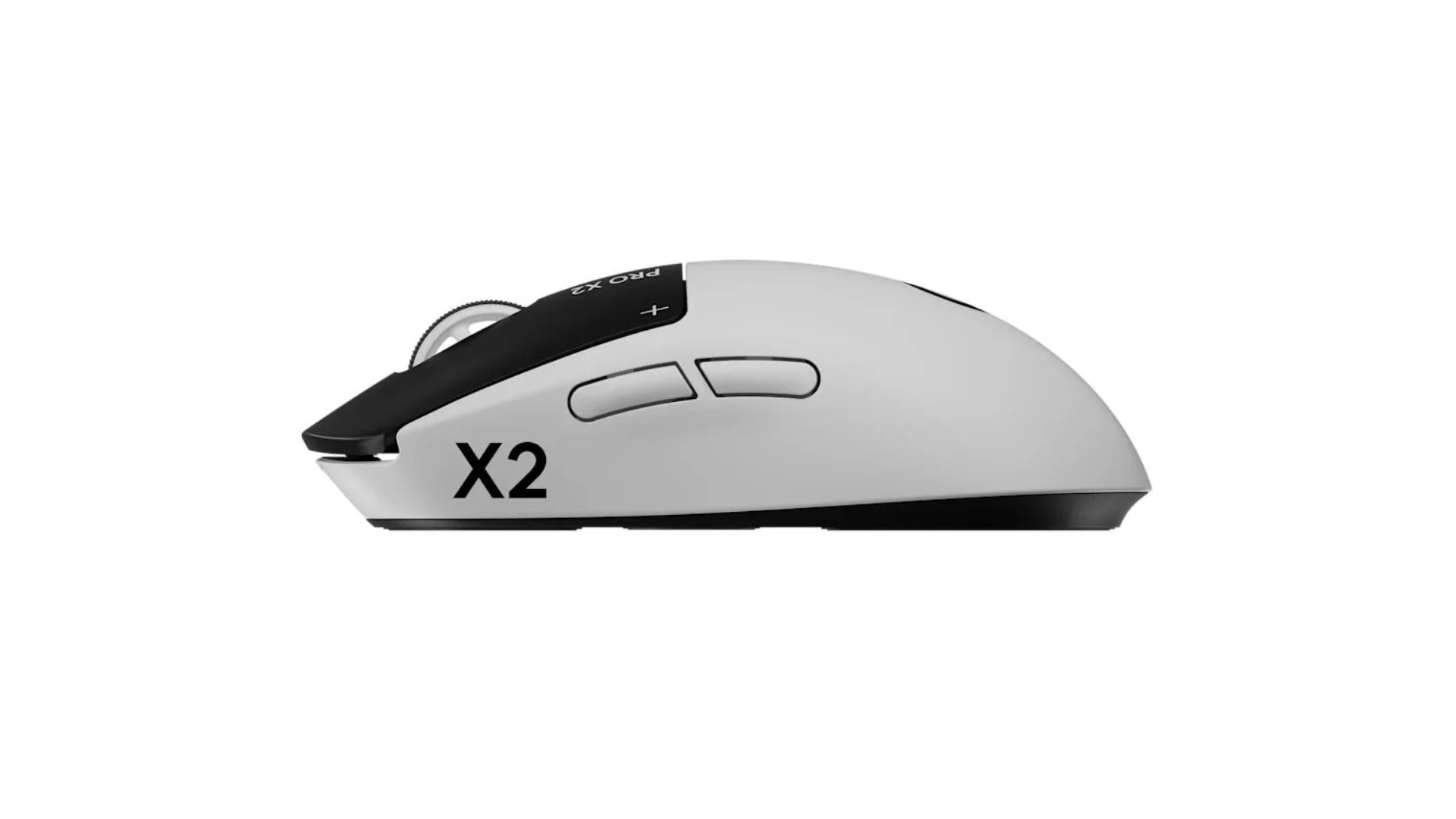
Logitech have been making my favourite mouse series with the MX, but the Pro X2 might just be a competitor to that. Now this is not a 1-to-1, as each mouse does thing better, but when it comes to gaming the Pro X2 blows my MX Master 3 out of the water. With the DPS set to what I liked, plus being able to get a response from the lightest tap, meant each time I wanted the mouse to work, it just did. Now that weird slow response to wake itself back up was annoying and as long as you understand that, it won’t be an issue. If you consider yourself a PC gamer, this is the mouse you are going to want, it has the battery life, it has the tech and it gets out of your way and lets you game as hard as you want.
The Score
9.5
Review unit provided by Logitech
The Pros
The inclusion of HITS makes this feel like its from the future, it just works
The form factor is great, it has a symmetrical profile, allowing everyone to use it…
The Cons
… but the action buttons on the side, being on the left, means left-handed users might struggle
The slow wake up period takes some getting used to