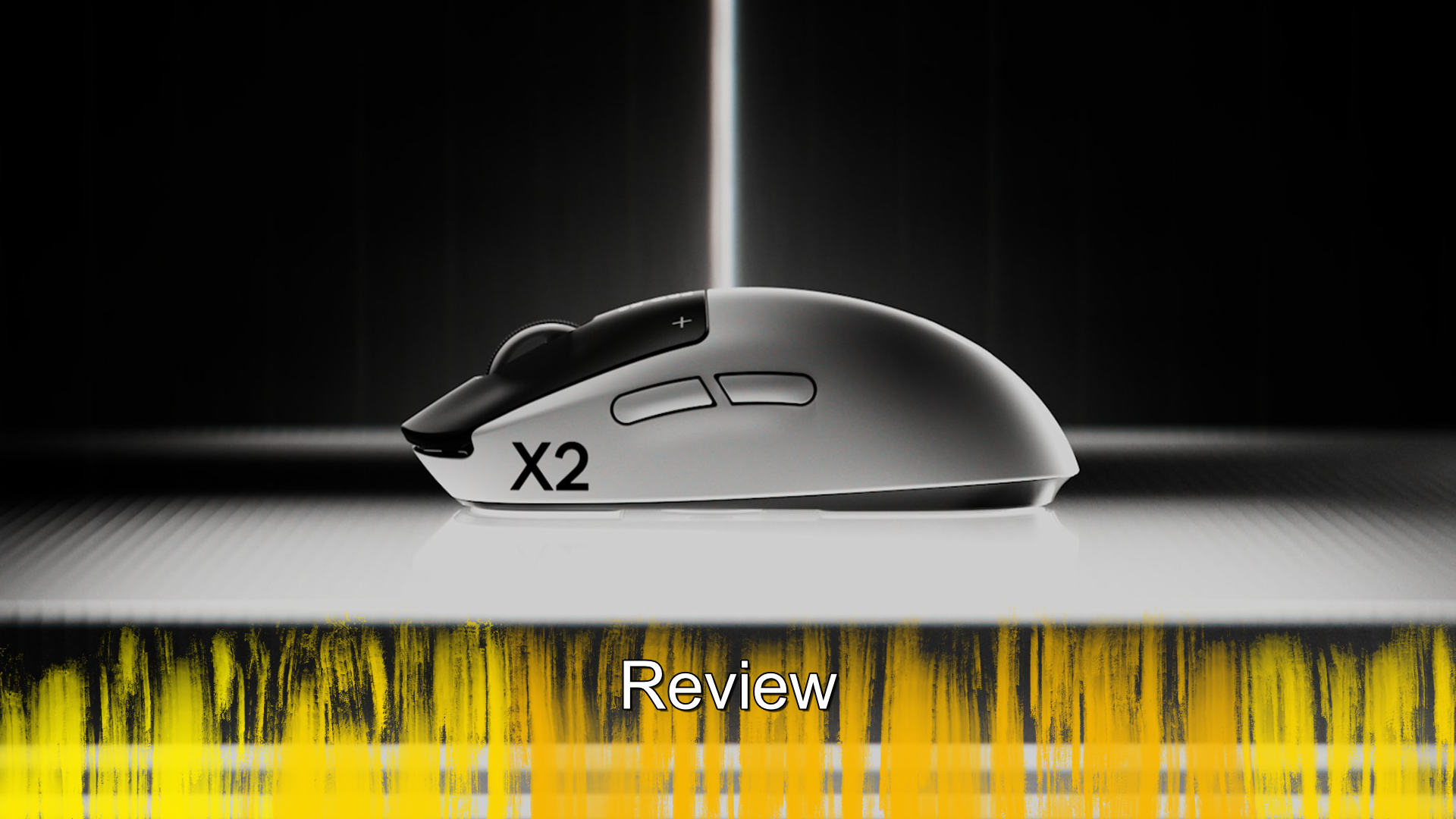
Logitech Pebble 2 Combo - Review

When it comes to my keyboard and mice, I am quite particular on what I like. It has to do the job of being a daily work horse, but also allow me to enjoy gaming with them. Devices that focus on one, tend to do ok with the other, but never really achieve a great balance. When Logitech sent through the Pebble 2 Combo, I figured that it would be ok with one, but not both. Did this combo create new waves of expectations, or was this pebble merely lost in a sea of ok?
As you might have guessed from the name, the Pebble 2 Combo is a pack of both a keyboard and mouse, with both featuring a slightly different variant on their Pop keys design. Both devices are also much simpler than some of the other products that Logitech offer, such as the MX Keys S Combo. Starting with the keyboard, the first thing you will notice, before you even take it out of the box is that the board is a mini. There is no number pad to the right and the arrow keys are shoved into the bottom right corner, much like you would find on a laptop. Apart from the smaller size, it does feature most of the keys you would hope to see, with the function keys doing a lot of heavy lifting. Now the one that I was sent was designed for Mac, which means instead of a Windows key, it has an Options key. This does not impact the functionality in anyway, the keyboard still works and Logitech do sell one that has both key functions printed on them, but it is something to be aware of.
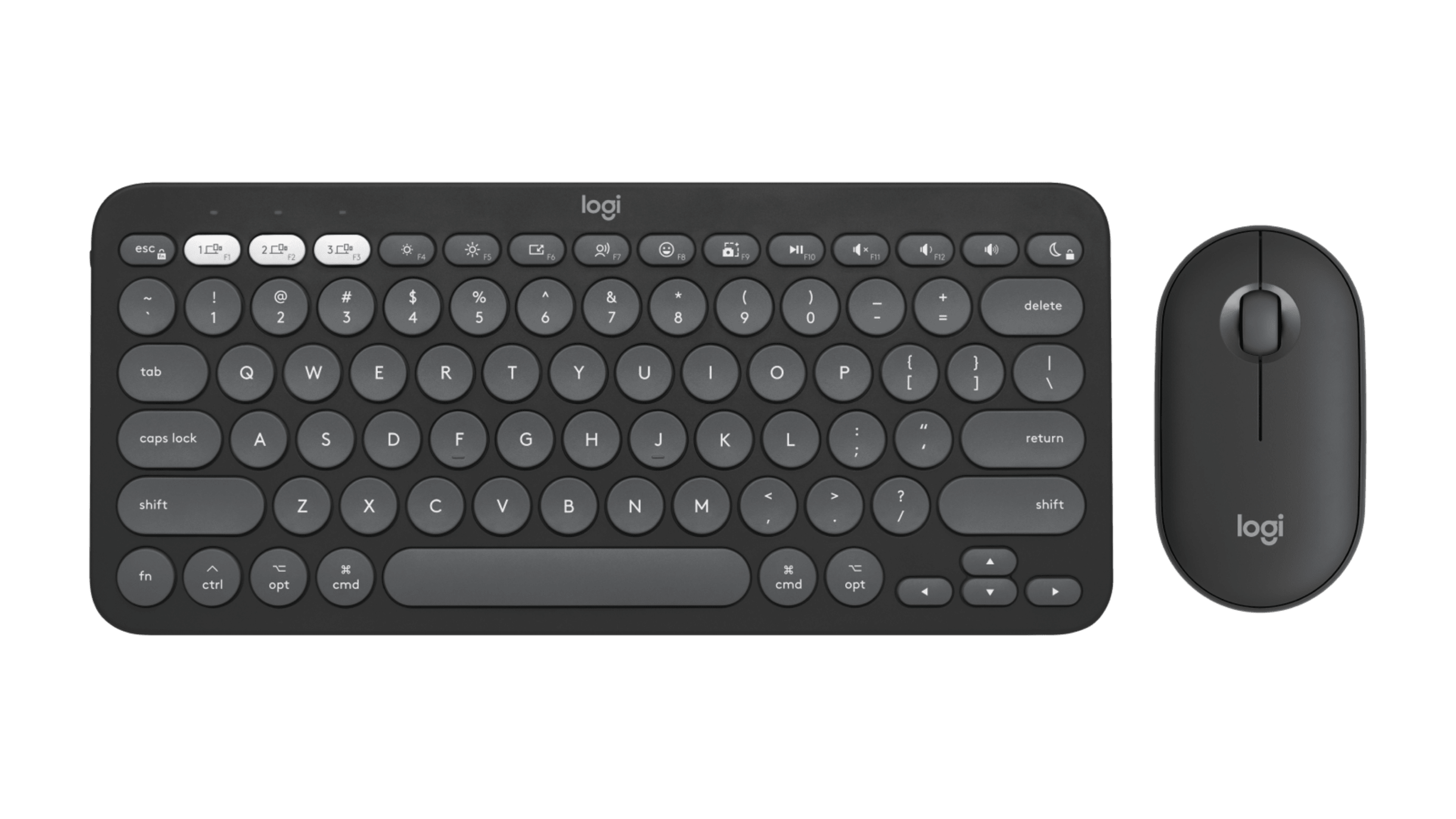
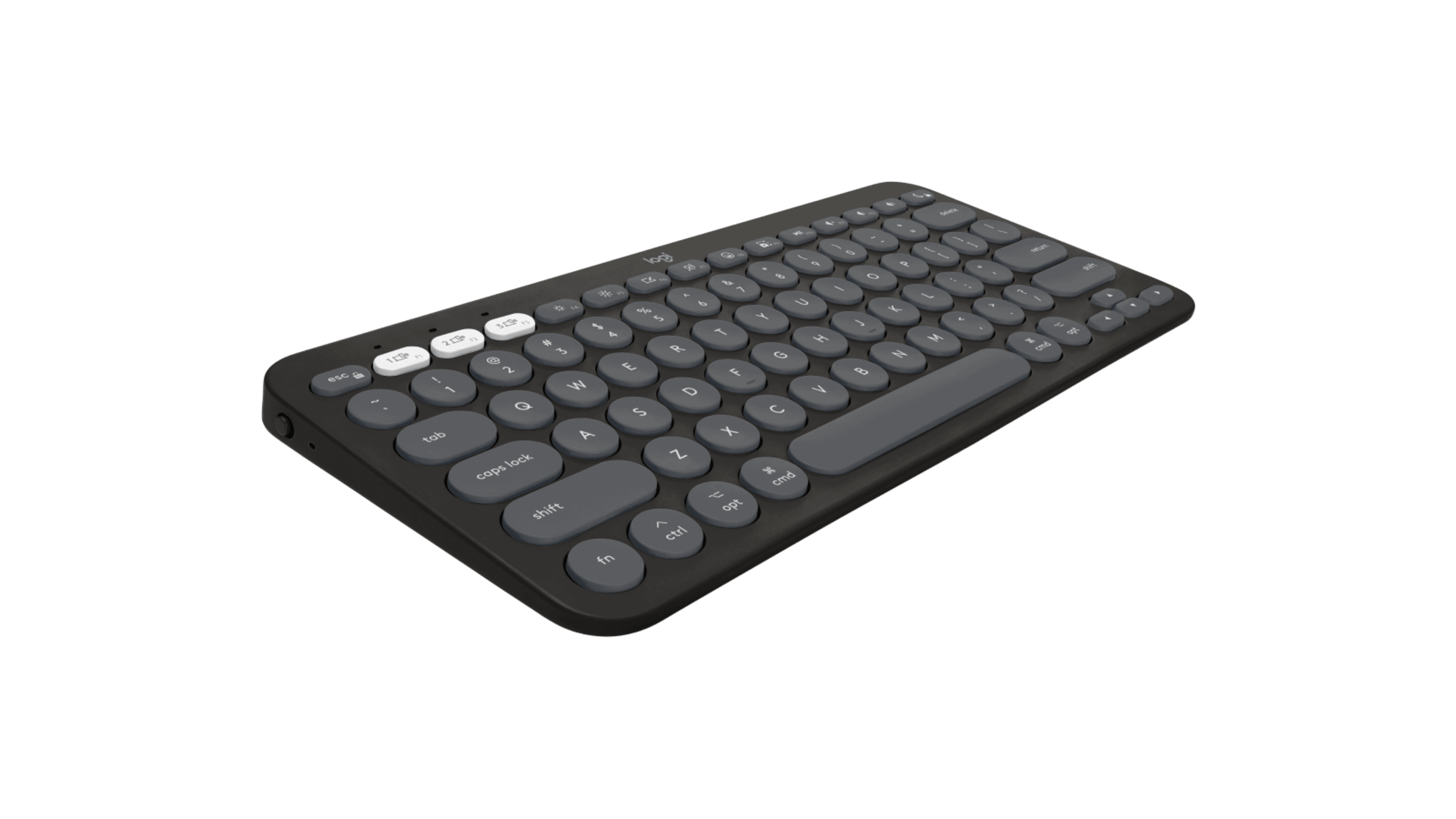
In my daily use, I enjoy the Logitech K950, which is a full-size board and any time that I pick up a smaller board, it takes me a moment to adjust to the smaller size. While I did have that here, I found myself adapting much faster than normal. This was likely due to the actual dimensions being about 8mm shorter than my K950. So, I found myself not really having issues missing keys or such and that was great news, but what about the typing experience. Unlike the Pop range, which are more squared, the Pebble 2 series of products are more rounded in their design, which carries over to the keys. Each of the keys has a rounded profile, which is really noticeable on the letter and number keys. This is both a blessing and a curse, because while your fingers will sit on each key perfectly, it can be easy to misjudge the alignment and press two keys at once. At least early on, again, once I adapted to the board, I found myself typing fairly smoothly. The real bonus to the keyboard is that it supports 3 profiles, meaning you can have it paired with your computer, laptop and tablet, with the ability to swap between at any time.
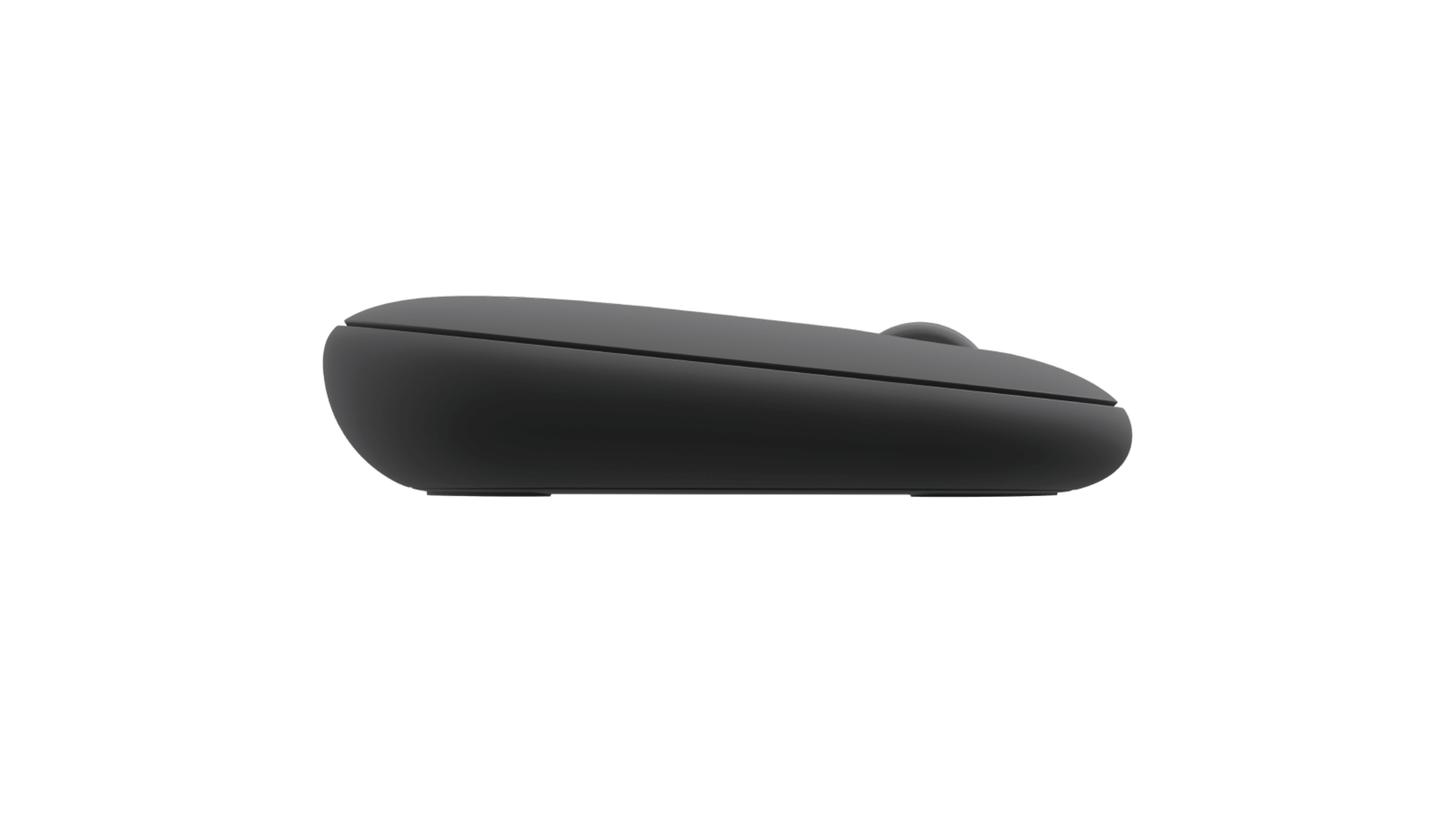
The mouse is honestly the weakest part of this combo, simply because its an odd shape. I don’t mean when you look down at it, but when you look at the side profile you will see just how much it angles down. The reason why I dislike this is that with most other mice, even the cheap $4 mouse from Officeworks, mice generally have a downward slant at the back. This does not have that; it sits up high at the back and slants down to the front and that is it. With 30 odd years of PC usage behind me, a mouse that does not have that slanted back feels weird in the hand. The actual clicks of the mouse and the wheel are fine, though a little texture to the latter would have been nice.
If you are in the market for a new mouse and keyboard, then the Pebble 2 Combo is an option worth looking into. The keyboard’s shorter size does make it great to take with you for travel, but it has the core functions you need. The typing experience is good, with smooth key presses, though the rounded nature of the actual keys might take some time to get used to. The mouse though is a hard sell, it does the job, but if you are someone who is used to a full mouse, this one feels weird in comparison. The Pebble 2 Combo is a great package, but just make sure you buy the one designed for the operating system you have.
The Score
8.0
Review unit provided by Logitech
The Pros
Simple set up that delivers a great response without any hassles
The keyboards size is different to many, but it still feels great to type on
The Cons
The mouse is just weird and goes against how almost every other mouse is
A few functions are missing, which might impact some users