Lego Smart Play - Star Wars - Review
Earlier this year Lego announced perhaps their biggest solo innovation in decades, Smart Play, a new brick that would add sounds to Lego sets. At the time it was paired with Star Wars and the expectation was that it would let fans enjoy the sounds of a galaxy far, far away, in the palm of their hands. Now that the bricks are here, are they a smart new way of playing, or just a smart new way of paying more?
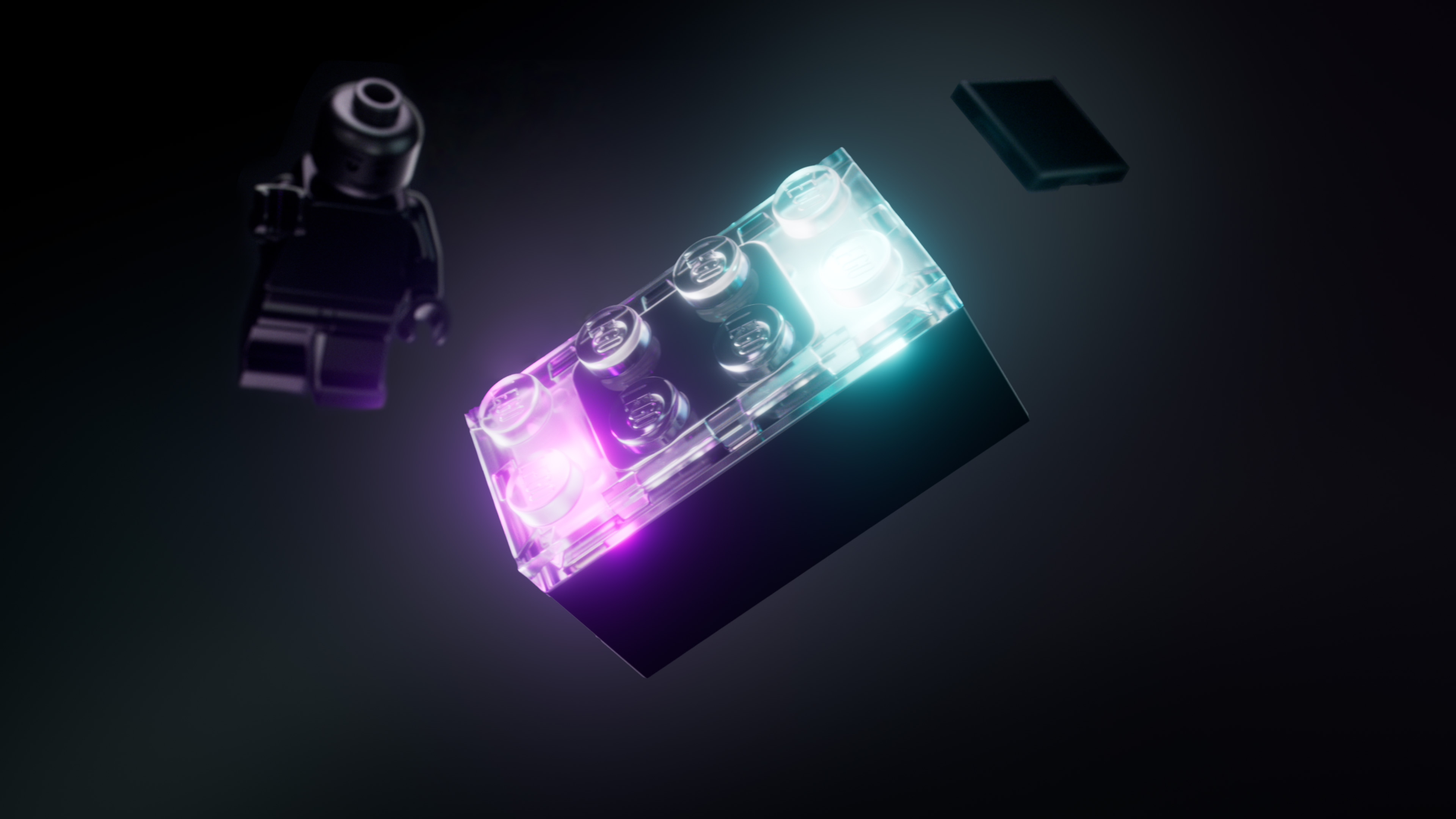
The very simple explanation of what Smart Play is, is that it puts sounds to the actions you do with the Lego set. If you are a collector who puts things on a shelf or in a display case, then Smart Play is never going to be for you. However, if you are someone who plays with their Lego or are buying for someone who does, then it will be a great option. The entire reason Smart Play works is due to the Smart Brick, which is the same size as a 2x4 brick. Inside this little unit are accelerometers, gyroscopes, light sensors and a speaker and lights. What this means is that if you put the Smart Brick into a car and push it along, it detects the movement and will play an engine noise. If you put something next to the light sensor, it will detect the colour and play a sound that matches, like putting fuel in the car. When you start to bring these elements together with Star Wars, you can recreate a whole host of classic Star Wars moments, well sort of.
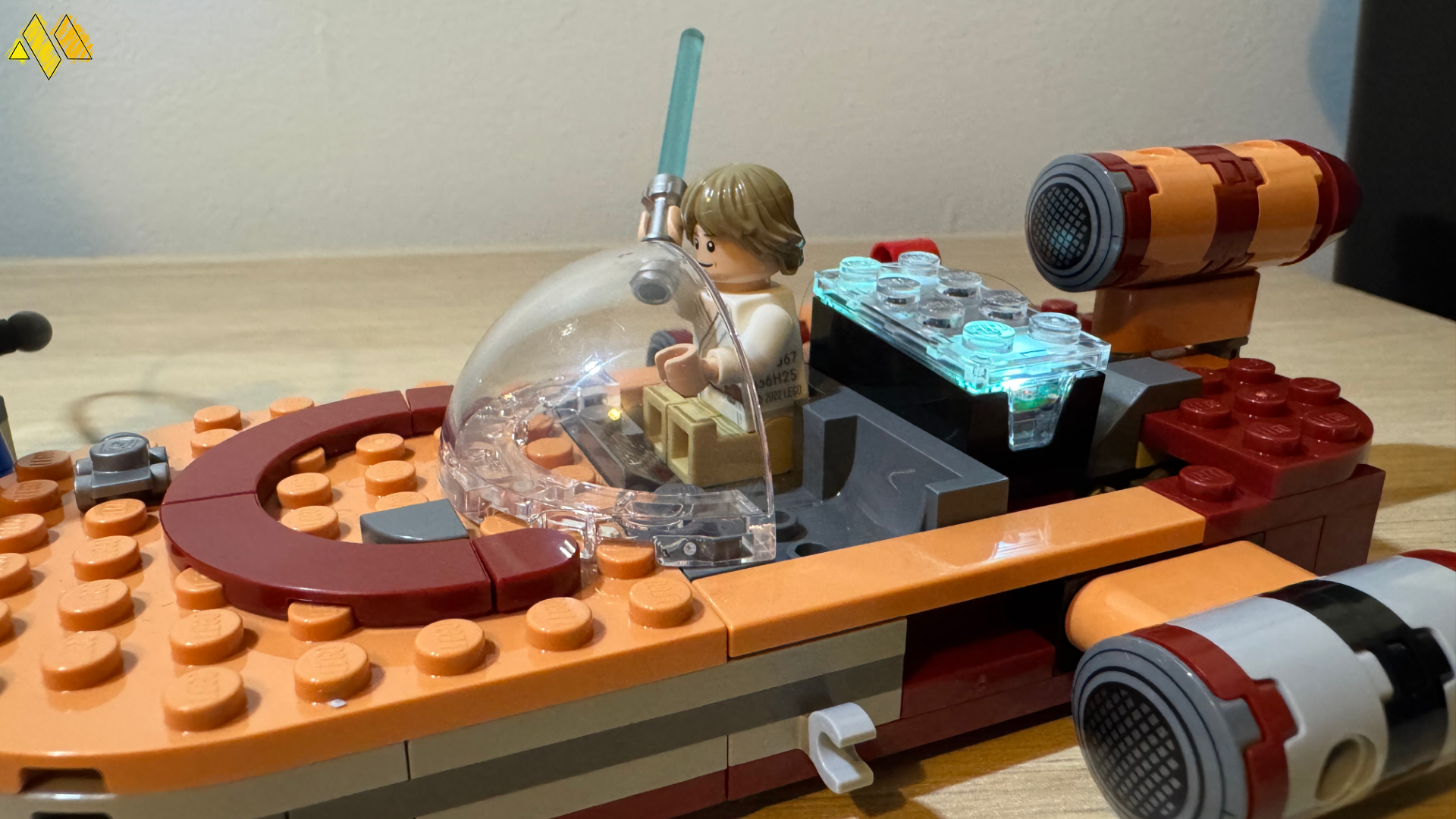
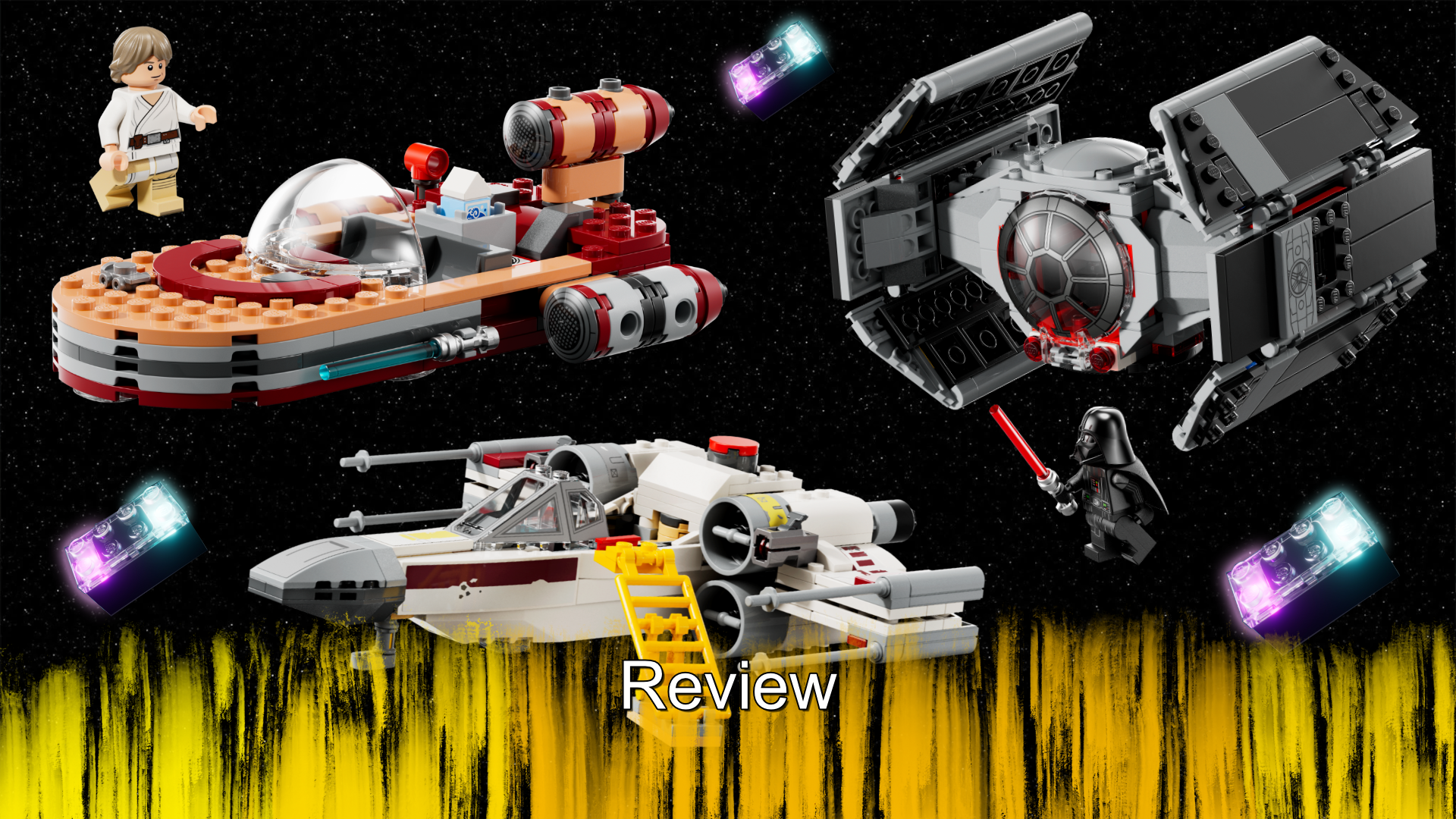
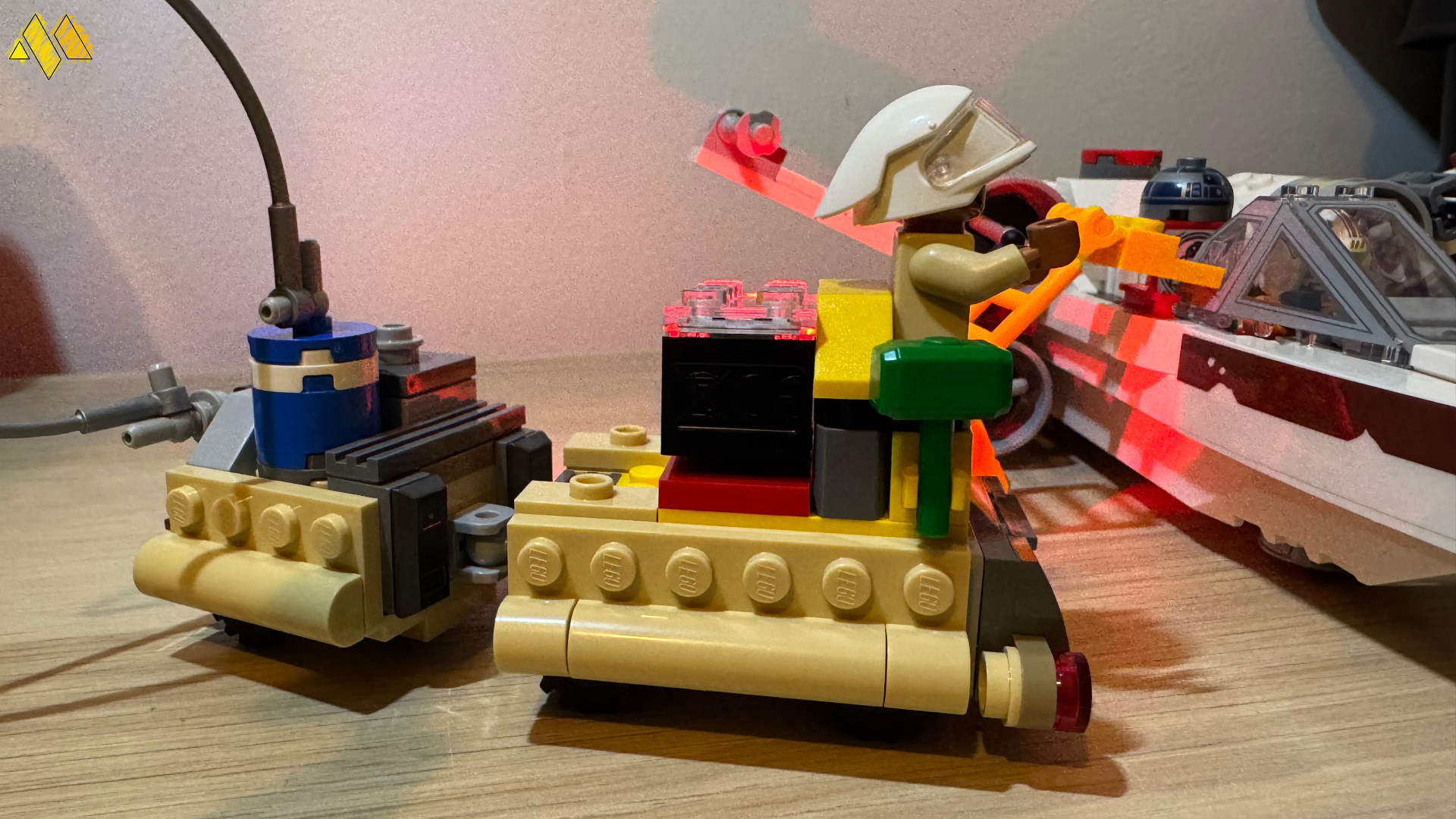
In the three sets that Lego sent to me, there were two that came with a Smart Brick each and one that did not. I will start with the latter, which was Luke's Landspeeder. The set itself is on the smaller side, with a little over 200 pieces included in the box and some of those are used to build what I am calling Toshi Station, which is a little refuelling place. Sticking with the Landspeeder itself, if you compare it to a recent normal set, not the one from the Ultimate Collectors series, it looks quite similar. The general shape and scale is the same, but there are less custom and detailed pieces, in fact the only major difference between them is the lack of instrumental panels inside and the rear is not the same. There is of course quite a big difference to the seat in this newer version, which is because there is a space behind it for the Smart Brick. Once you put the Smart Brick on the tag for the Landspeeder, it begins to make the hovering noise that the vehicle makes in the original movie. Once you place the included Luke Smart Minifigure into the vehicle as well, he speaks as you move it about, it is quite clever.
It is here that I need to call attention to the actual sounds that are made by the Smart Brick, because I, like many, assumed that when Star Wars was announced as the first series to be on board, it would use the proper sounds. That is not the case, the Landspeeder does sound good, but the other ships don’t, more on those in a bit. Luke and all the other Smart Minifigures also don’t sound the best. If you know your videogames, they sound more like the gibberish speak that the Banjo-Kazooie series is known for. You won’t hear the voice of Luke, or Leia or any other character, but you will get male, female or generic noises instead. Now this is not the end of the world, but Lego were very coy in letting people know that before they released, so I can see some folks being upset.
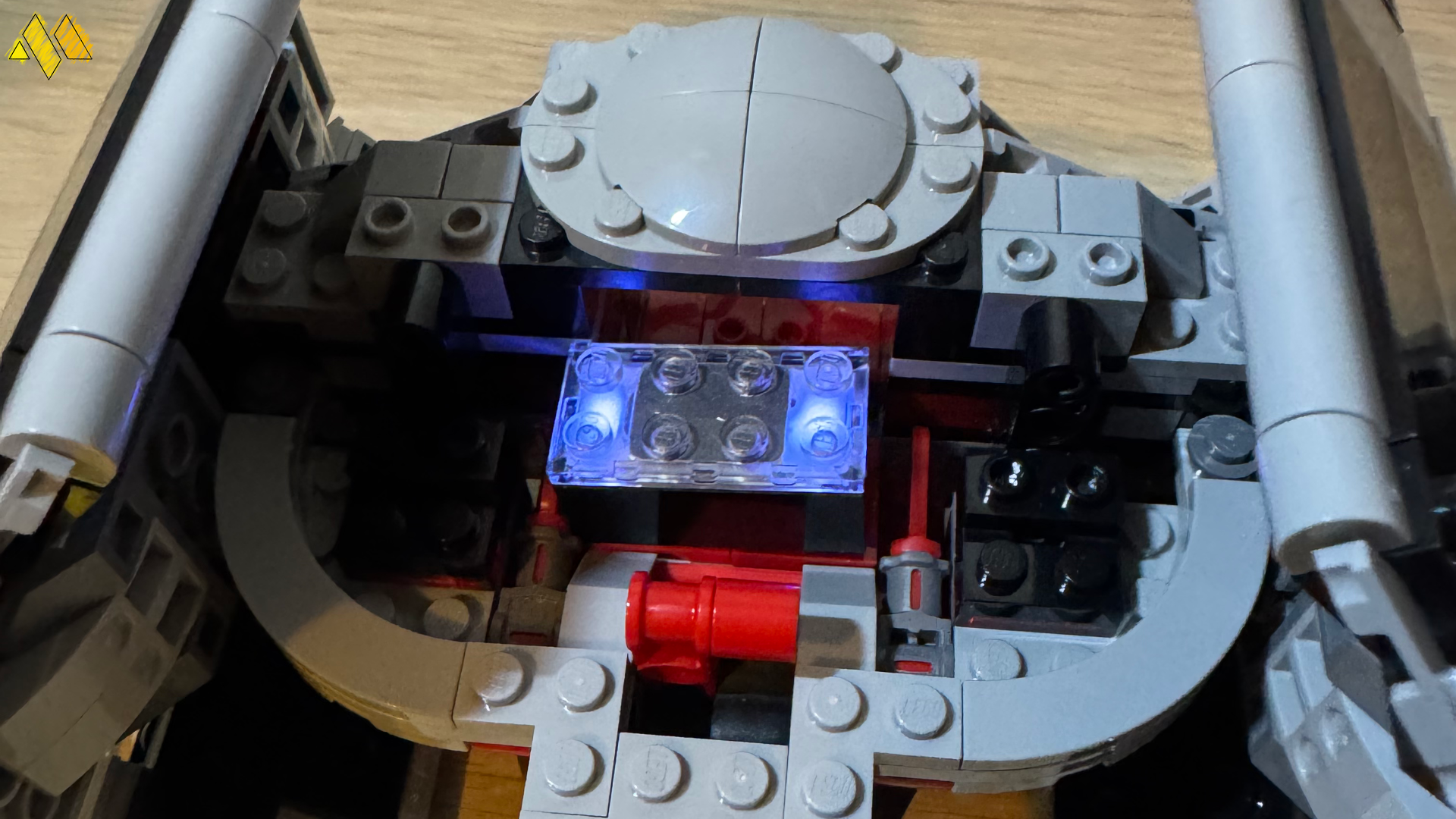
That was actually the second set that I built, the first set was Darth Vader's Tie Fighter, because it came with a Smart Brick. The first thing I noticed when building this, was that the legs and torso of the Smart Minifigure of Darth Vader were together and I just assumed it was a fluke, but it turns how they are all that way. I actually had another Darth Vader minifigure on my shelf, so I did compare the two and apart from the back of the Smart minifigure having the icon to indicate that, there was no differences, at least externally. Darth Vader aside, I was very keen to see how the Tie Fighter would be once it was built, and turns out it is quite a bit different. Both the Tie Fighter and the X-Wing I built after it have the same design change, they are more toy like. Both sets have a lever you can pull, which then interact with the colour sensor on the Smart Brick, but their general look is different. For the Tie Fighter, this means that the ship is not enclosed fully, which sure does not make it great for space flight, but it does make it perfect for play. The lack of a fully enclosed main unit means you can drop in or take out the Smart Brick, without needing to break apart the model, something I am sure many kids would be happy with.
The Smart Brick is used a lot better here than it is in the Landspeeder for one very obvious reason, you hold the entire ship in your hand. Now as I said before the Smart Brick has a few bits of tech inside, so as you fly the ship around, it makes the noise to match, but if you take the ship into a dive, it detects that motion and plays a different sound. The lever on the back can be pulled, which makes a shooting noise, perfect for when you want to target those rebels. The set also comes with another refuelling station, so when you use the items from there, with the Smart Brick, you get some fun sounds.
The last of the three sets I was sent was Luke’s X-Wing, which again was more toy like. The prime example of why this is toy like is the giant red button on the top, that when you push in, the brick slides forward and triggers the colour sensor, shooting lasers, or making the sounds at least. Apart from the giant red button on the top, the set is mostly the same as other more basic X-Wing models that have released over the years, so anyone who does want to display it will be ok. Included within the set were a Luke and Leia Smart minifigure, alongside a few accessory tags. It was this set that highlighted the two limitations for the Smart Brick, the first is that this set has 2 Smart minifigures and 5 Smart tags, those are the elements that tell the Smart Brick what noise to make. The issue is the Smart Brick can only interact with two sources at once, if you put your Luke and Leia Smart minifigures next to the Smart Brick they will talk, but move the R2-D2 Smart Tag near it and it just remains silent. This was something that really stood out when you fly the X-Wing around, as where the brick goes you have the ship tag, the red panels for laser sounds and if you include them Luke and R2-D2 and you will only hear two at any time.
The second issue is that if you want to take full advantage of what the sets can do, which includes using Leia in the rebel base set, you need a second Smart Brick. Now this was not an issue for me, as I had two from the two sets, but if only have one Smart Brick, you are going to be stuck making the noises for other sets and ships that don’t have it mounted. This also means that if you pick up a set like Luke’s Landspeeder, you won’t be able to enjoy all of the functions, if you don’t already have one of the sets with the Smart Brick.
One of the upsides to the Smart Brick is that you don’t need to connect to any device to work, outside of charging it with the included charger. Now there is an app for mobile devices that will let you manage your bricks, but it is not required. That means for those parents who are cautious about letting their kids have access to screens, these can be enjoyed completely without them.
Lego have potential for something truly amazing here, but Smart Brick does have some limitations. The most annoying one right now is the lack of proper sounds from the Star Wars ships. Most of the ships from the series have iconic sounds and getting sounds which feel like someone made them with their mouth and was recorded for playback, just misses the mark. Now younger builders likely won’t care that the Tie Fighter does not sound exactly like a Tie Fighter should, but I figure it was an easy thing to manage. The only other roadblock is that some sets clearly need multiple bricks and unless you have those, you won’t get the complete experience.
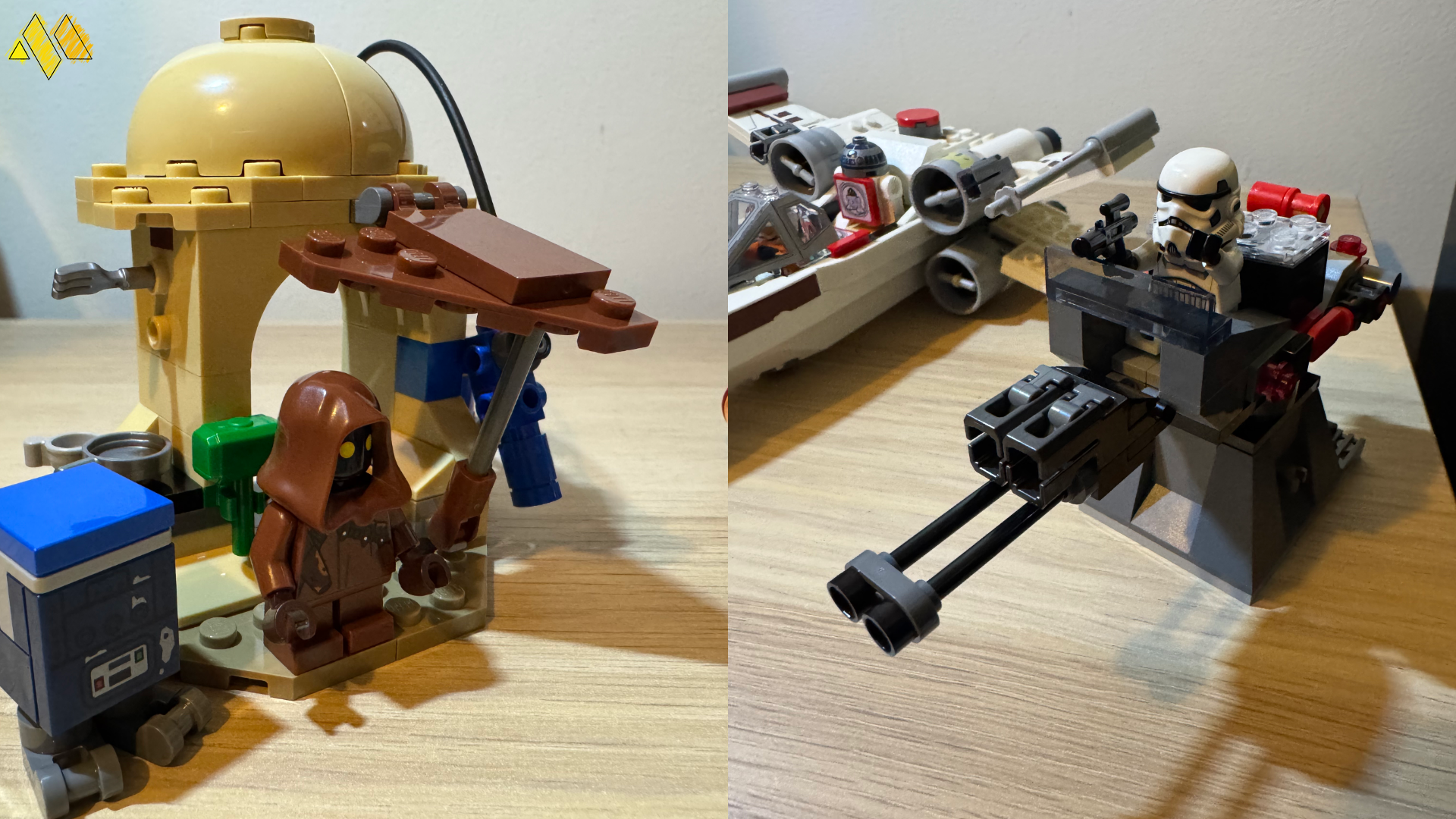
If you are a parent and are looking at ways to keep your kids of the screens, this is a great way to do that. The sounds of flying a ship around a room, with lasers being shot form them is great and kids won’t care about authentic sounds. If this is what the first generation is offering, I can’t wait to see what comes next.
The Score
8.5
Review units provided by Lego
The Pros
Using the Smart Brick is just a simple as dropping it onto a tag and it just works
The range of sounds that comes from it are quite varied, making sure each vehicle sounds like it is its own thing…
The Cons
… but the lack of authentic sound effects might be annoying for long time Star Wars fans
You really need multiple Smart Bricks for some sets, if you want to play with them the way they were designed