ASUS ROG Xbox Ally - Review
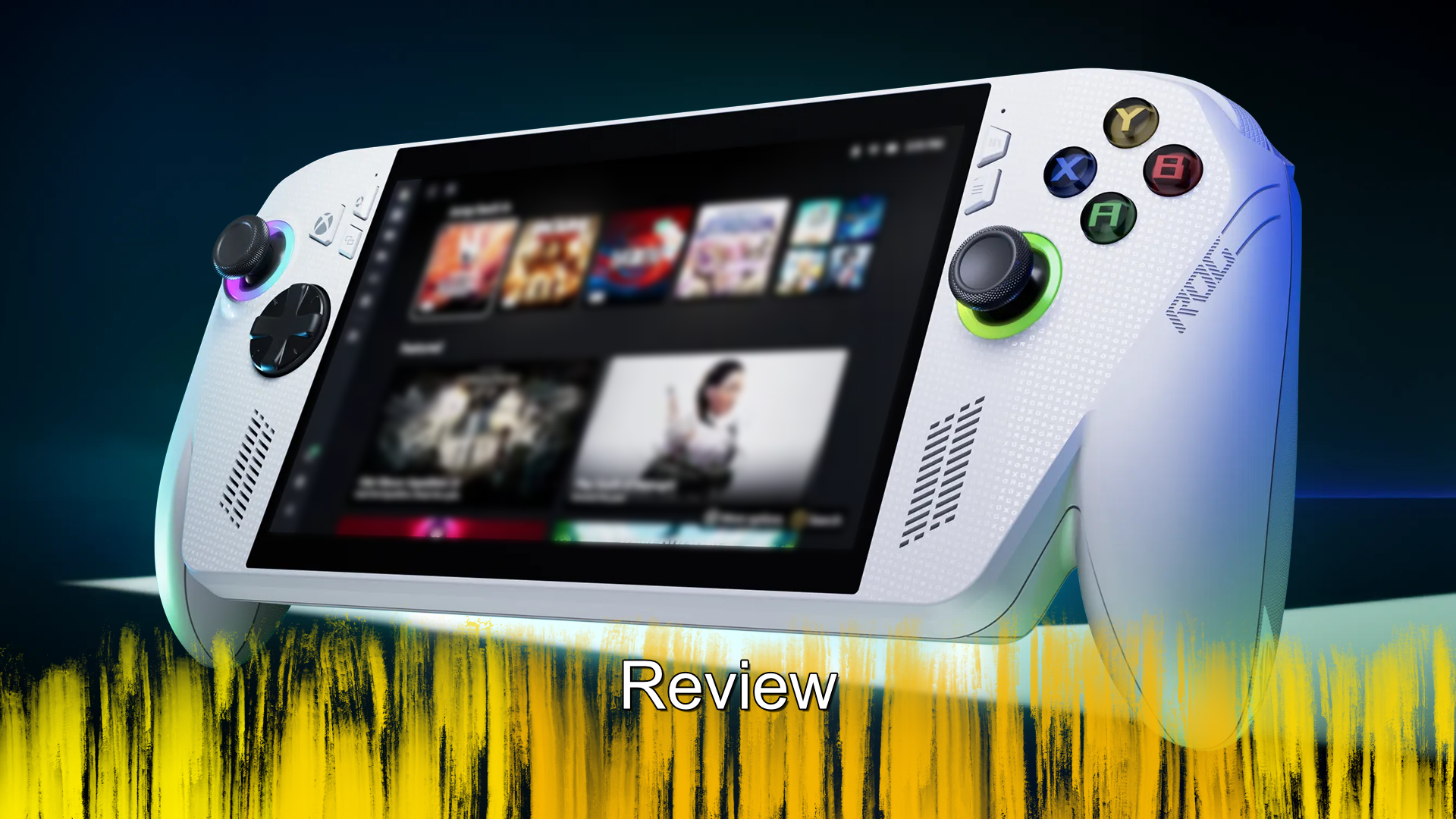
This is my second attempt at writing this review, because on my first attempt, I honestly felt it was just bad. I was not getting the points across I was trying to make and it felt more like a rant than a review. But while I disliked what I had written, I stand by the sentiment that I had, the ROG Xbox Ally is not a great device.
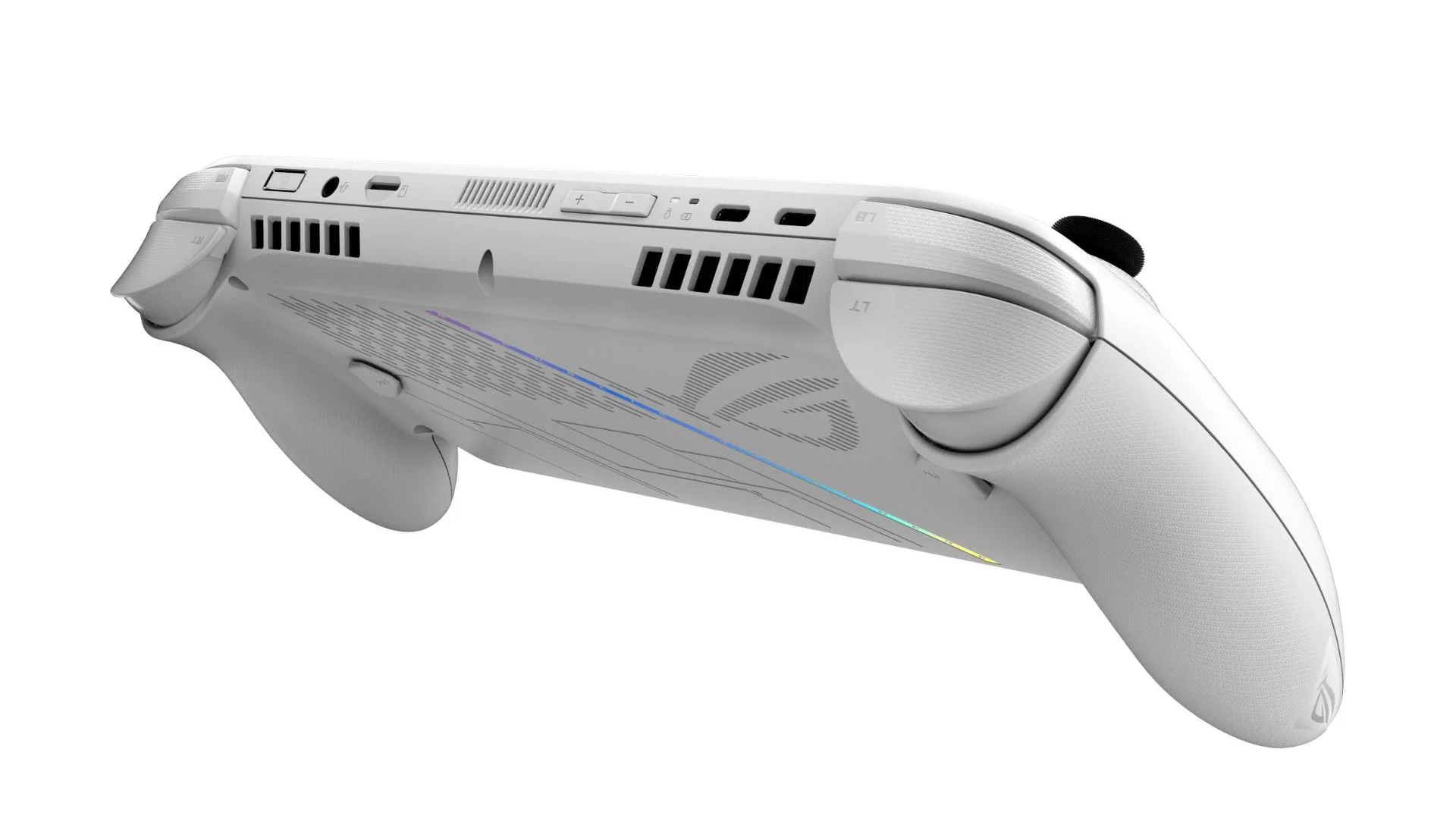
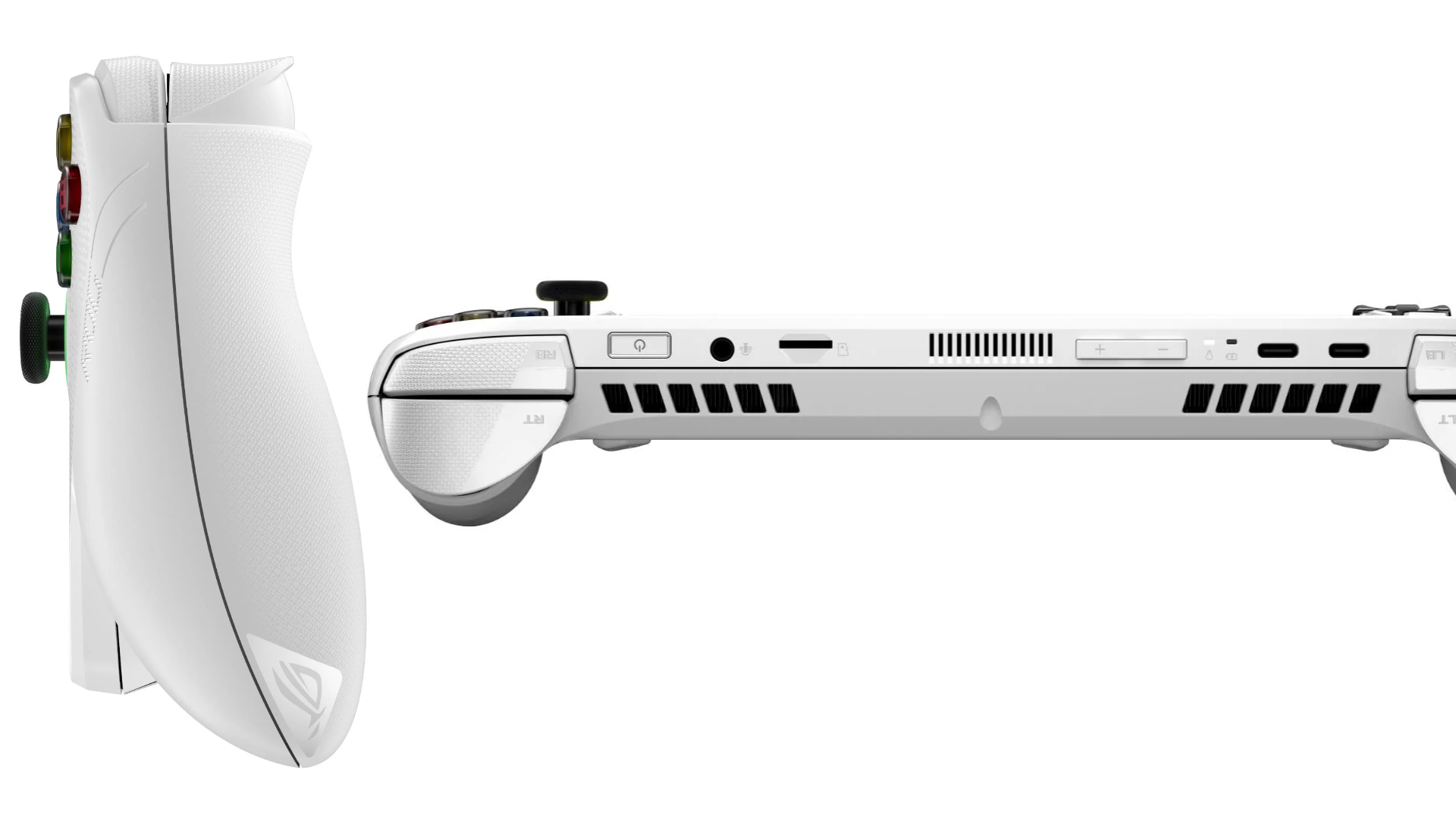
There are a few reasons I don’t like the device and I will start with the form factor. Back in 2023 I was invited by ASUS to a preview event for their yet to be released device, where I heard from a number of the team about the new ROG Ally. The form factor that they had at that event is 90% the same as what the Xbox variant is offering to players today. My issue with that is that while the addition of the Xbox controller prongs, you know the bits you hold on to, do make it nicer to hold onto, the rest is still meh. At that event I had my Nintendo Switch OLED with me and I did compare them a lot, a few other folks did as well and while the Switch was not a beacon of ergonomic design, I felt it was better than the Ally. My biggest issue with the Ally design is just that I feel it’s a bit to top heavy, which makes holding it a little harder to do. Now while playing games, it is quite easy to forget that, especially when you are drawn into the game, but it pops up every now and then. Something for consideration here is that the charging ports and now both on the top, so if you are playing and charging, you have extra weight pulling the unit back.
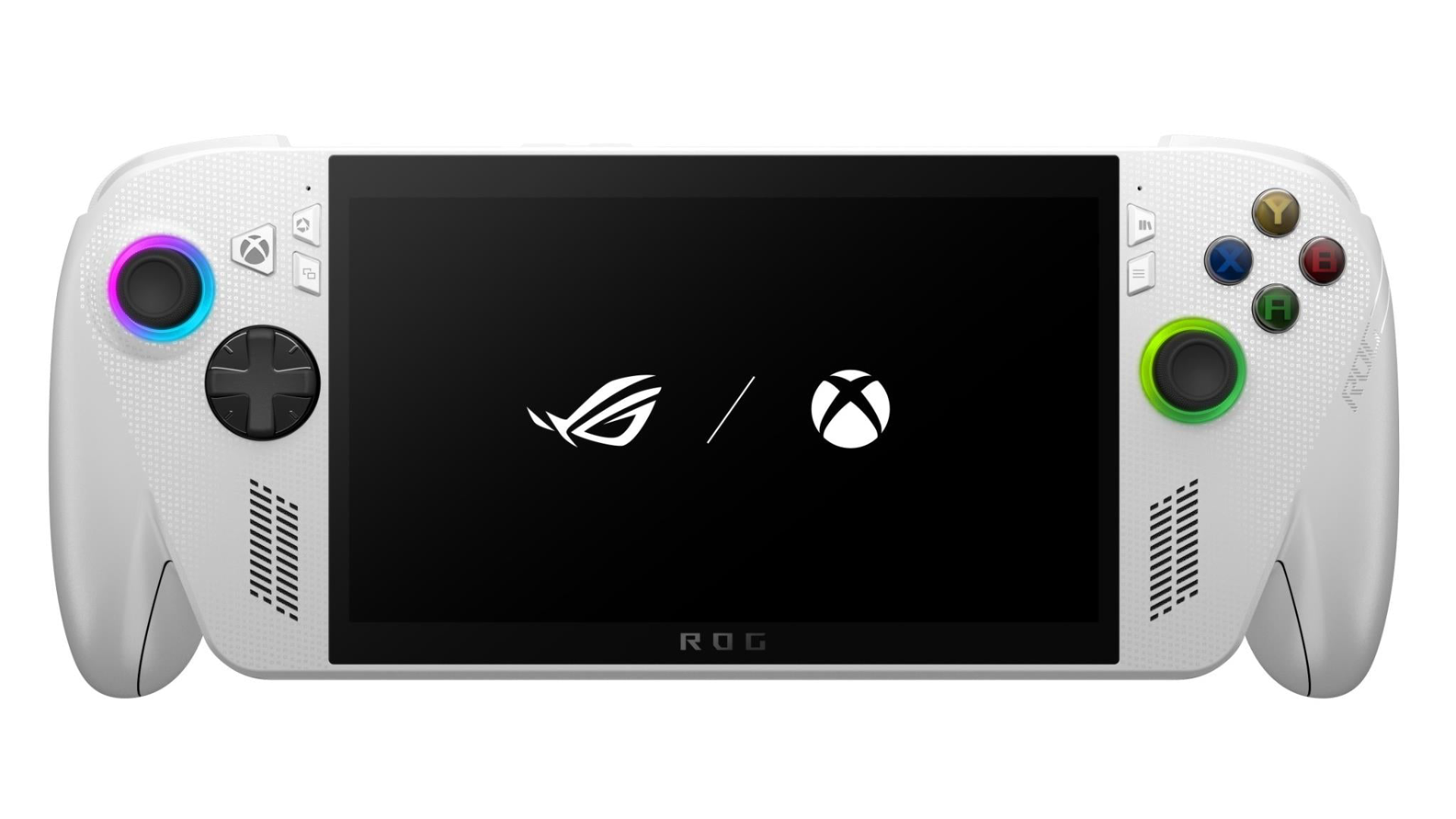
The actual design for the Xbox variant is really nothing to different from the base model, there is now a Xbox button on the left of the device and the d-pad is the Xbox version, everything else is purely cosmetic. The face buttons are now Xbox coloured; there was a fun print across the device that you had to really look for in order to see it properly and as I said above, the USB-C port is now on top. Beyond those additions, the unit is the same, the speaker positions and even speaker holes are the same, the screen bezel is the same, even the placement of the buttons on the side of the screen are the same, though flipped. The original ROG Ally was not going to win any real awards for beauty and the same can be said here, it does the job but that is really it.
Ok, let me rephrase that last part, it does the job of being able to hold and use it, playing games is another issue all together. Their slogan for the device is #playALLYourgames, written that same way, highlighting the world Ally and I appreciate their effort in that, but given I had a number of games that either failed to run or barely ran, I question how accurate that slogan is. One of the things I was curious about with the device is just how well it would run some games locally, i.e. not streamed from my Xbox console or the cloud. Now while I have a very large Xbox console game library, my PC selection is mostly Xbox Play Anywhere titles, at least in the world of Xbox. The first game I wanted to see running on the handheld was The Elder Scrolls IV: Oblivion Remastered because as someone who loves the original game, being able to play it portably was a massive draw. I downloaded the game, thankfully without issue after struggling with other games downloading to the device and ran it, but before I even saw the first company logo, I got a warning. The game it seemed was too demanding for it, the prompt advised it could run, but there would be issues, so what were my reasons for the warning, the CPU not having enough logical processors and the RAM being insufficient. For context it told me I had 4 logical processors, but needed 6 and the RAM was 10GB but the game needed 16GB.
Now the official tech specs list 16GB of LPDDR5 memory on board, so either that was wrong or the handheld uses so much to run that it only lets games have access to 10GB. But I accepted that it might be visually impacted and pushed forward with running the game, well after a few minutes of it compiling shaders. When the game finally loaded in, with my existing save file, I was impressed, the game did not look like my Series X version, but it was still decent. I ran down a path and came across a timber wolf and after taking it down, I pushed on and then the game crashed. In fact each time I tried to play it, I got a little less time in the world before it crashed. Now I figure that game having issues is likely because of it being somewhat new, even though it’s a remaster of a Xbox 360 title. So I opted for something else, Cuphead and it ran without issue, but then again it was released on Nintendo Switch, so not exactly a real test. So, I thought how about a recent-ish game that is demanding, but works portably already, enter DOOM The Dark Ages and it ran fine, not great, but was playable without any real impacts to the experience.
As this is ostensibly a Windows device, it can also install Steam and any other program you like and while I did not do that, I did have to deal with Windows itself. The main reason for needing to leave the Xbox full screen experience and enter Windows proper was to connect the device to my Wi-Fi and that was just like it is on my PC. Of course, as I left the Xbox app, I was then bombarded with ASUS armoury prompts and the pointless Microsoft 365 AI slop. I understand this is Windows, but this is not Windows for someone to run video editing programs from or even Excel, it is for games, so having all this bloatware constantly being thrown in my face was not something I enjoyed. Ignoring Windows, most of my time was spent within the Xbox app, which is ok, it does the job it needs to do, but I often found it not responding as I would have liked. I would often select an option and it would not respond, but upon touching it again, it would then do the first one and then trigger any secondary touches. This was when using the touch screen, using the buttons and sticks did not have that issue.
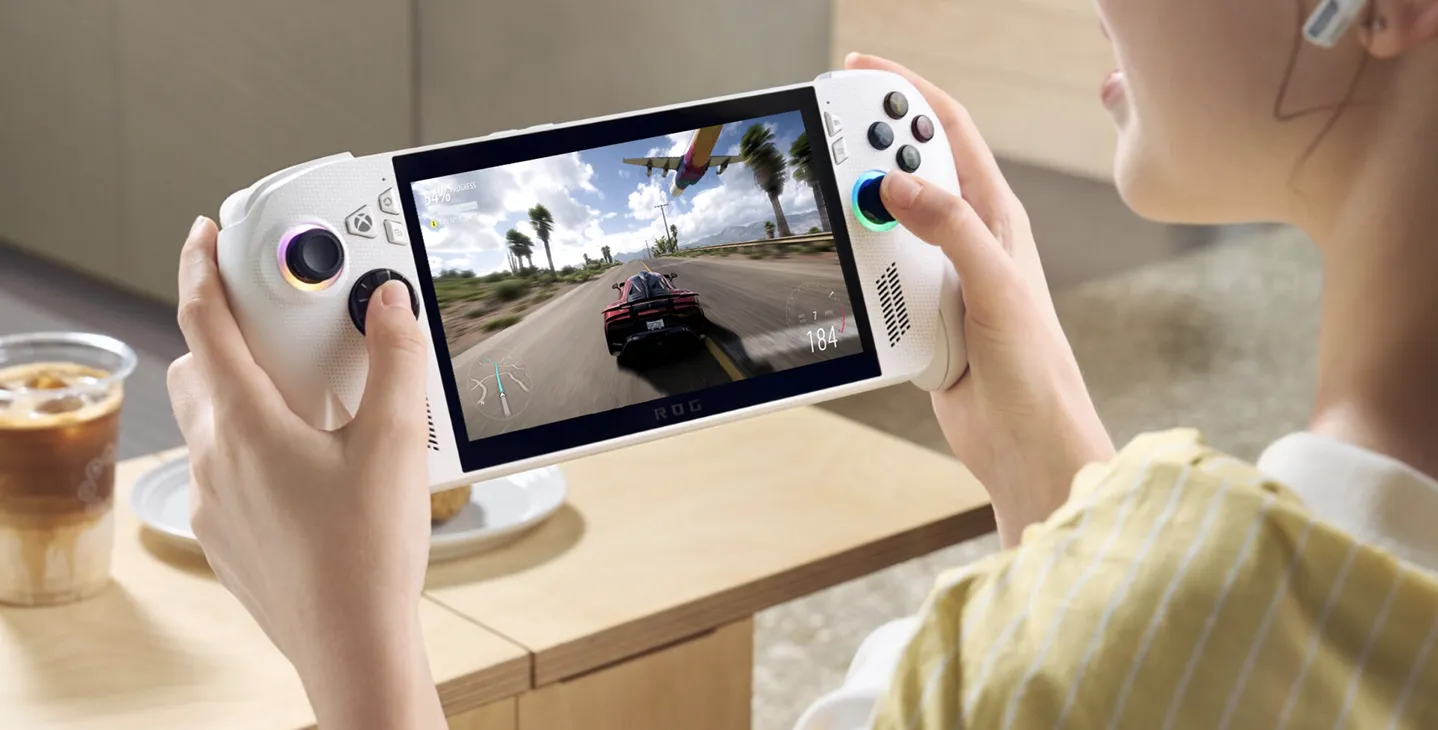
One of the things that I did like was the cloud streaming, because that was how I played Oblivion on the device. Now this is nothing unique to the device, I can do it on most everything else I own already, but it was nice to have it there. Across my PC library from Xbox, I have games from Windows 8, many of which did not work correctly or at all. Games that I could install like Lego Star Wars The Skywalker Saga and Forza Horizon 3, both ran fine, though the former did have some performance issues. The biggest issue I had with games was trying to install Avowed; it just would not install; it got about 29% done and then just sat there. I left it alone for a good 12 hours and still nothing, but then cancelling it and selecting another game had no issues. The weirdest issue I had and it could be a settings thing, was that the device would often restart, not while in use or anything, but while I had it in sleep mode. The first time it happened, I had finished a session on Tony Hawk’s Pro Skater 1+2 and put the device down. The next day when I picked it back up and hit the power button, I was treated to the boot animation again. This is honestly going to be because of Windows and its need to constantly update, but I can’t imagine being in the middle of a game, putting it down and then coming back to discover it had restarted.
The ROG Xbox Ally is a device of many contradictions, on one hand it is a portable PC, making it possible to play technically any PC game and they market it as such. But it is underpowered already and as such is going to be very limited going forward and even today it has games it can’t play. With some games playable without issue and others needing a few concessions, I can see it being a device some folks might use. However most PC players are going to have dedicated machines and want to game there with the best everything and console players will game on their consoles. Players who stream their games, will do so on mobile phones or other devices already, which begs the question, who is this really for?
The Score
7.0
Review unit provided by Xbox
The Pros
The much-improved grip on the device means it is now quite comfy to hold
Games that are designed for low spec, or optimised for it play great…
The Cons
… but from launch there are just far too many games that have issues playing
It runs Windows, which takes up a lot of resources, making the limited specs even more limited