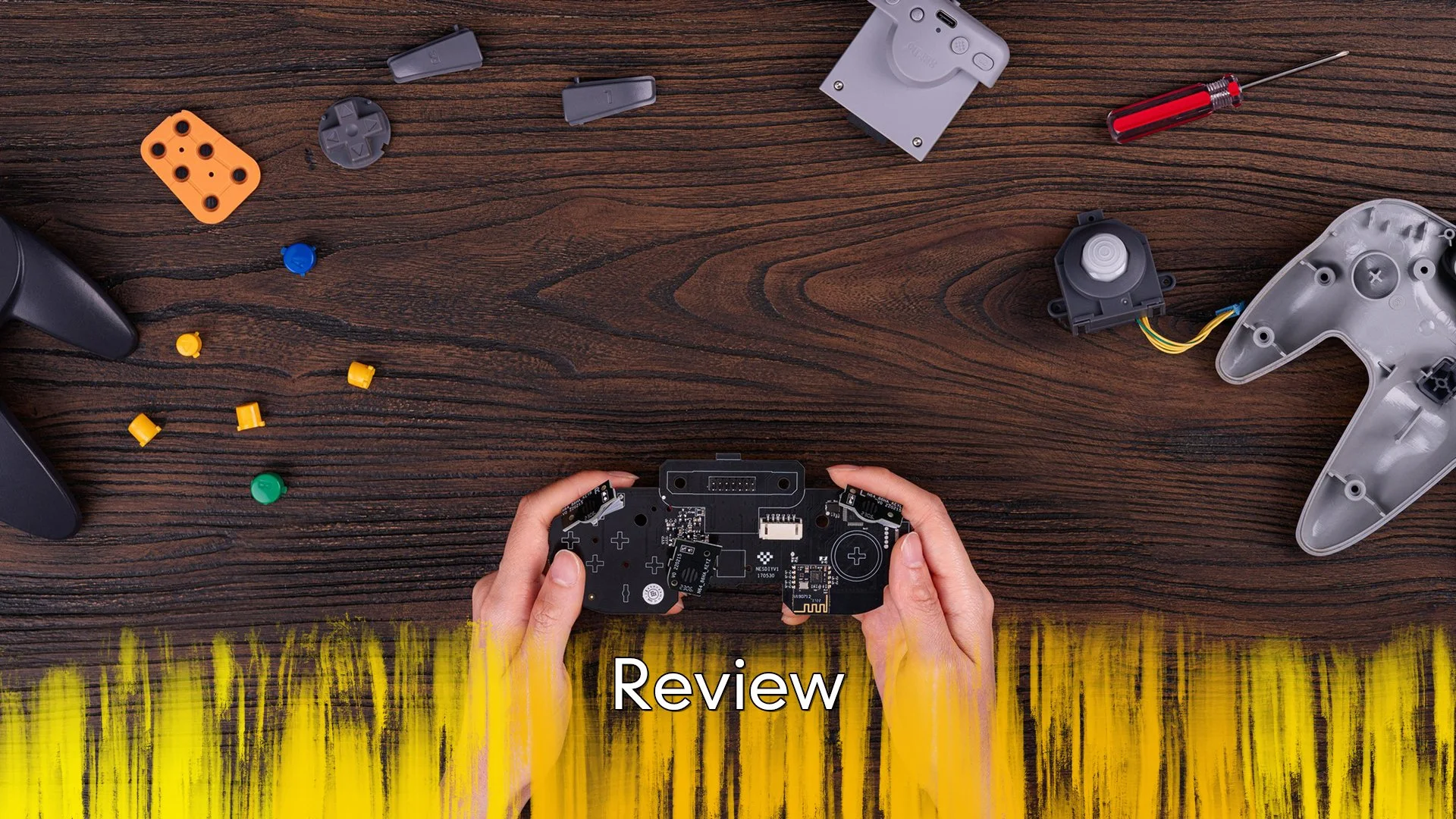
8BitDo Pro 3 - Review
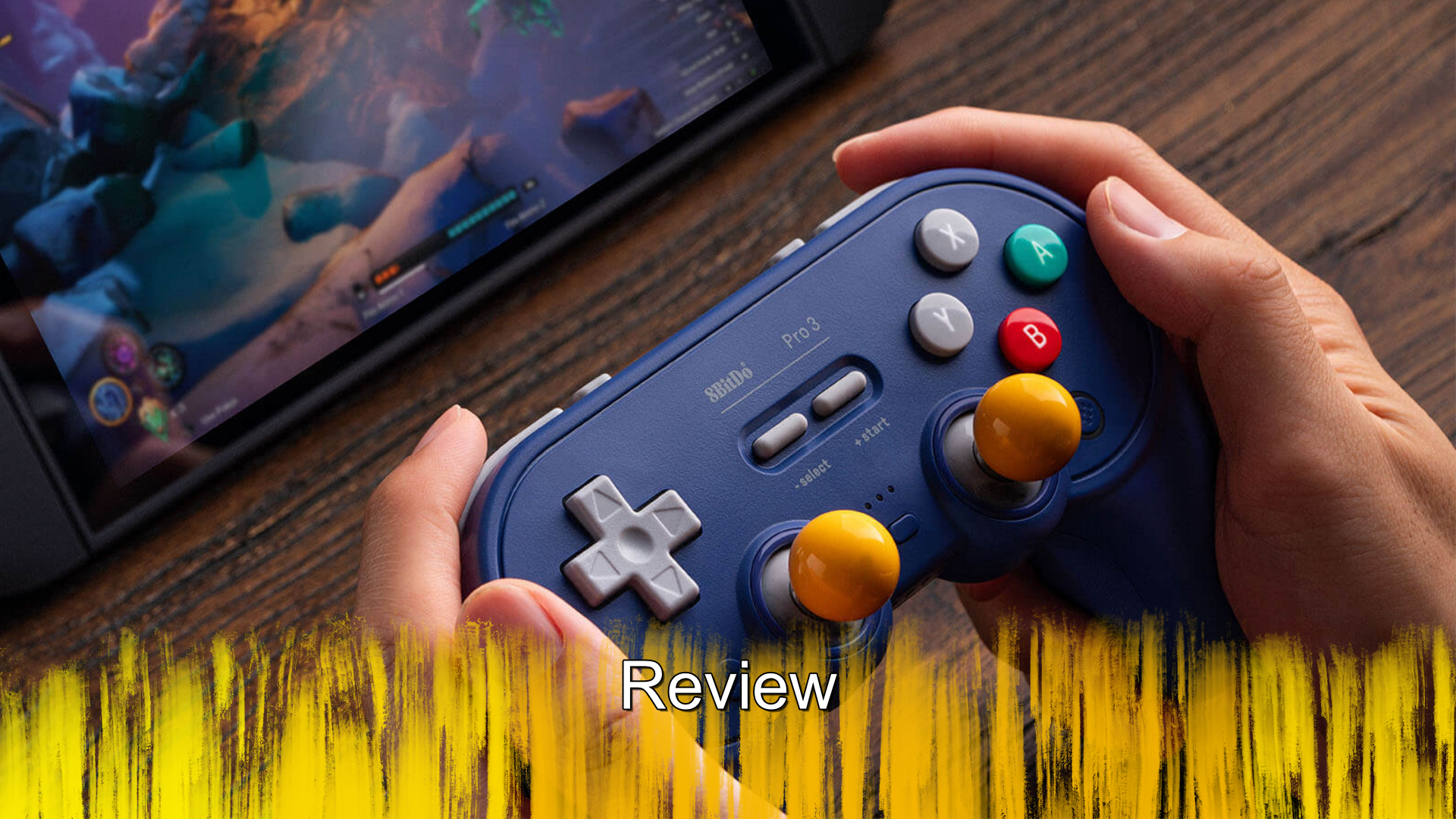
I have been a fan of the 8BitDo range for a while now, what started out as a fun alternative to official controllers, has quickly become my preferred way of playing. Their Ultimate Controller has been my go-to controller for a few years now, but their latest might replace that. Does the Pro 3 Gamepad deliver professional performance or is it nothing more than a fancy label?
A lot of what make the 8BitDo products worth owning is that they are made by gamers and users, so they often feature the best technology and are shaped to actually fit into the hands of the many. The Pro 3 is very much the same, with Hall Effect and TMR tech packed inside and the design is an evolution of the previous Pro 2 and beginning with the SN30. As a controller, the form factor plays a larger role here than having TMR sticks, so how is to hold, honestly it varies. The variance comes in how you use it, anything that supports the D-pad as the movement option, so 2D sidescroller and other games of that ilk are great, but if you need to use the left stick your millage is going to vary quite a bit. See, when PlayStation originally released the PlayStation console, they did so without analogue sticks and only after Nintendo released the Nintendo 64 did they go back and add them. But as they could not just redesign the entire controller midway through the console generation, Xbox did years later but I digress, as they did not want to redesign the controller, they put the sticks in the only spot they had left and that is where they are here.
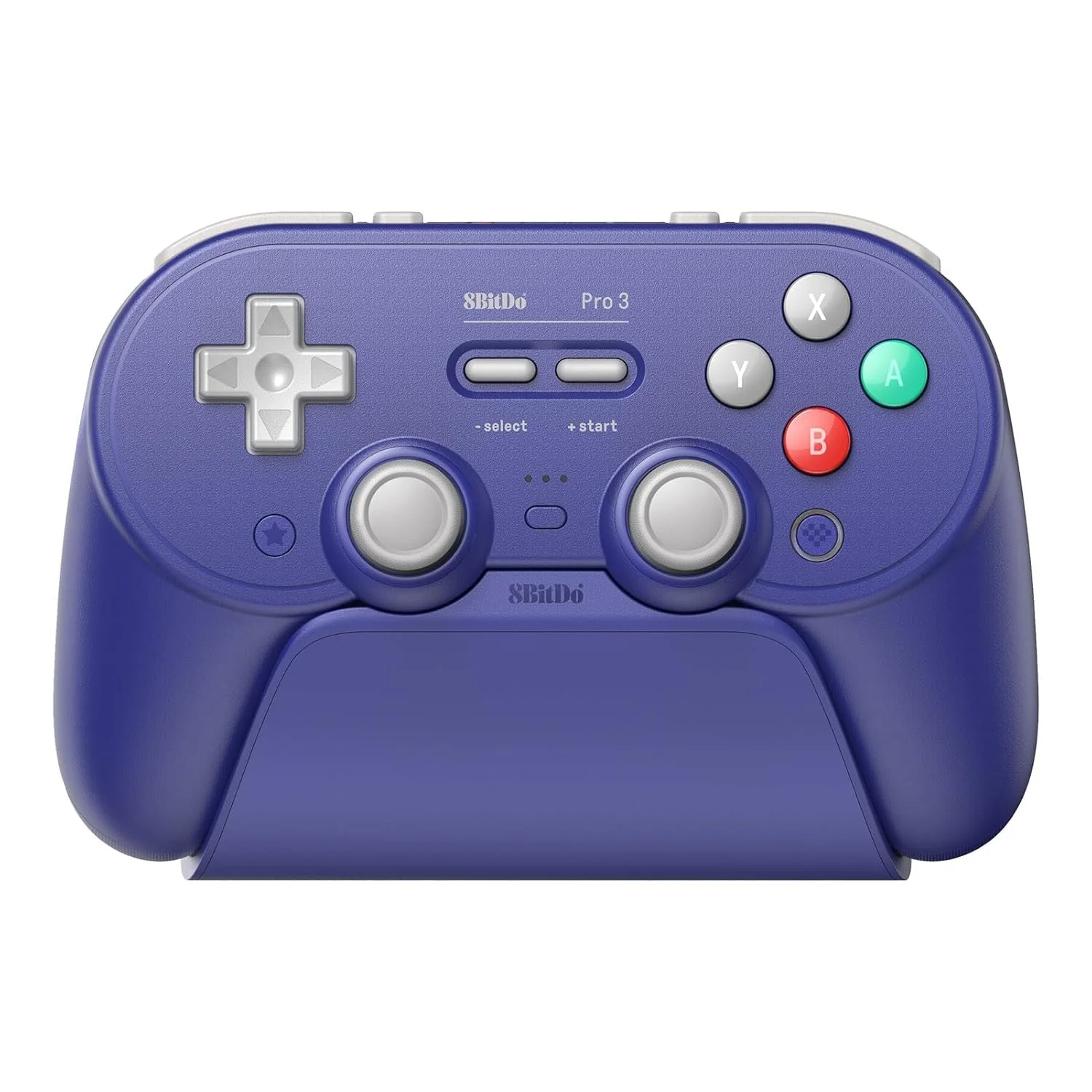
Now if your first console with a stick was the original PlayStation, then you are likely not going to have an issue with the layout here, but for me, it feels wrong. Honestly looking at this controller, it is basically a merge between the Super Nintendo and the PlayStation controllers, though not like the Nintendo PlayStation. Don’t get me wrong, I can play games with a PlayStation controller, but it is just not my preferred way, so while I did play games with the stick, it was not how I prefer to play. As far as holding it went though, it was good, with the longer prongs on for my hands to wrap around, longer shoulder buttons and bigger triggers, all meant my big hands fit nicely. The L4 and R4 buttons, which are the small square ones on top were slightly out of place for me, but as I was not actively using them, I don’t consider that an issue.
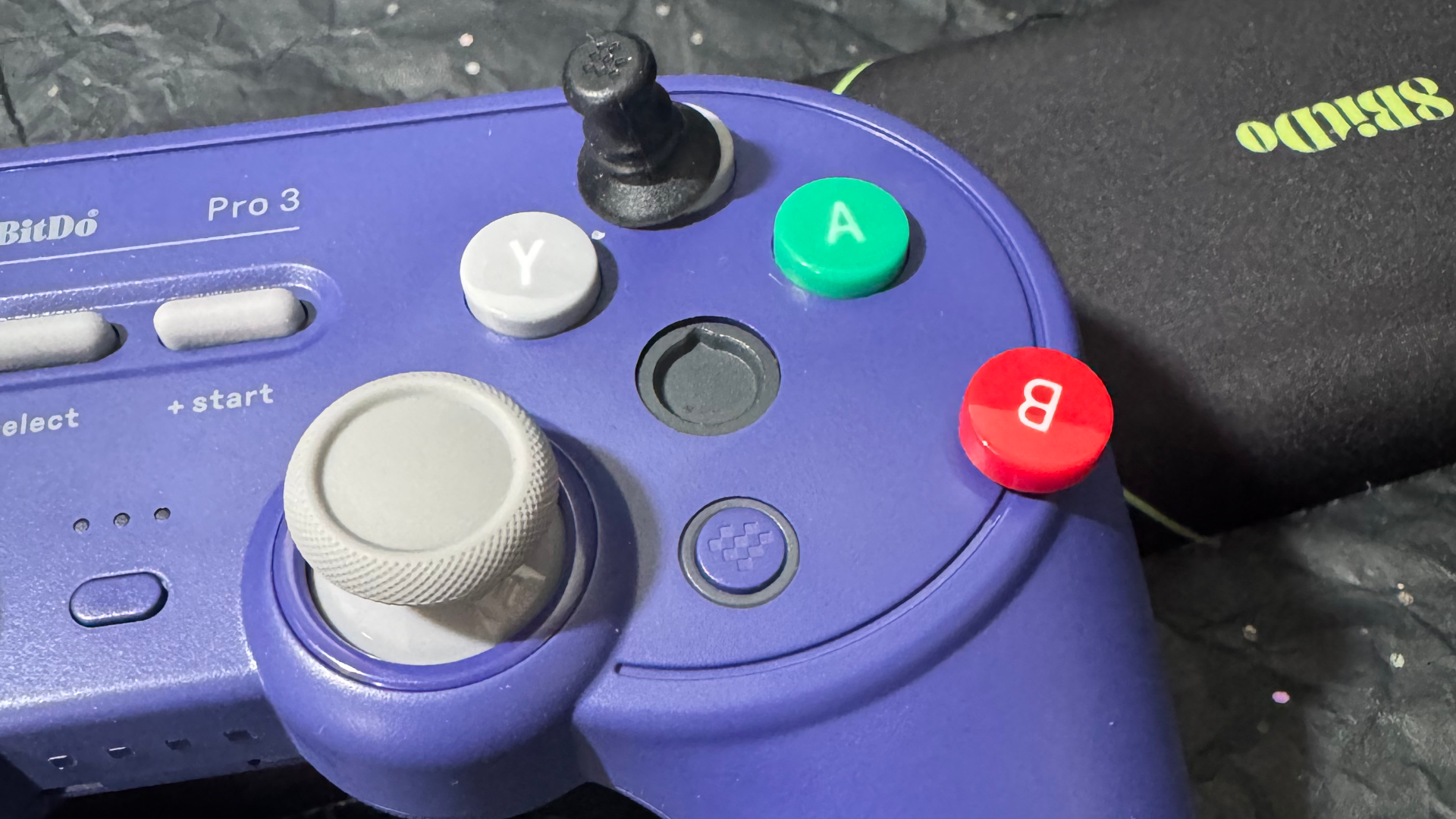
Now one of the big draws for this controller is the tech, Hall Effect triggers and such, but for me, one of the bigger draws was that of the swappable buttons and stick caps. 8BitDo include in the pack a very tiny grabber, that when pressed upon any of the four face buttons, the ABYX ones, you can take them off and move them around. That means if you are a purist and prefer the Nintendo layout, you can have that and if you are a weird person and prefer Xbox, you can do that as well. Hidden away inside the dock are also four generic buttons, so if you don’t want letters, you can replace them with these. Now if you do swap A and B around to match your preferred layout, you can use the 8BitDo Ultimate Software to map them correctly, avoiding pressing B in a game when it says A. The controller also sports a profile switch button on it, so you can store a few layouts, letting you swap the buttons and then get back to gaming without the need to reprogram things each time.
Actually using the controller means you are going to enjoy the fancy tech packed inside and there are a few pieces of that. The big thing is the Hall Effect sensor, but unlike controllers of the past few years, these sensors are not in the sticks but rather the triggers. The same principle applies here, instead of parts rubbing against each other, magnets are used to detect the movement and translate that for use in game. The controller does have some locks, so if you don’t want the full range of motion you can use those to limit it and still get the same result. The sticks actually use TMR to drive things forward, think of it as Hall Effect+, same idea, but better designed. Now Tunneling Magnetoresistance to use the full name is not what X-Men captured by Magneto call themselves on their great escape, but is a lower power profile tech. This still uses magnets to detect your movements, but now just uses less power in order to do so. This in turn gives you longer battery life, ensuring you can game for longer and it is something I was happy with.
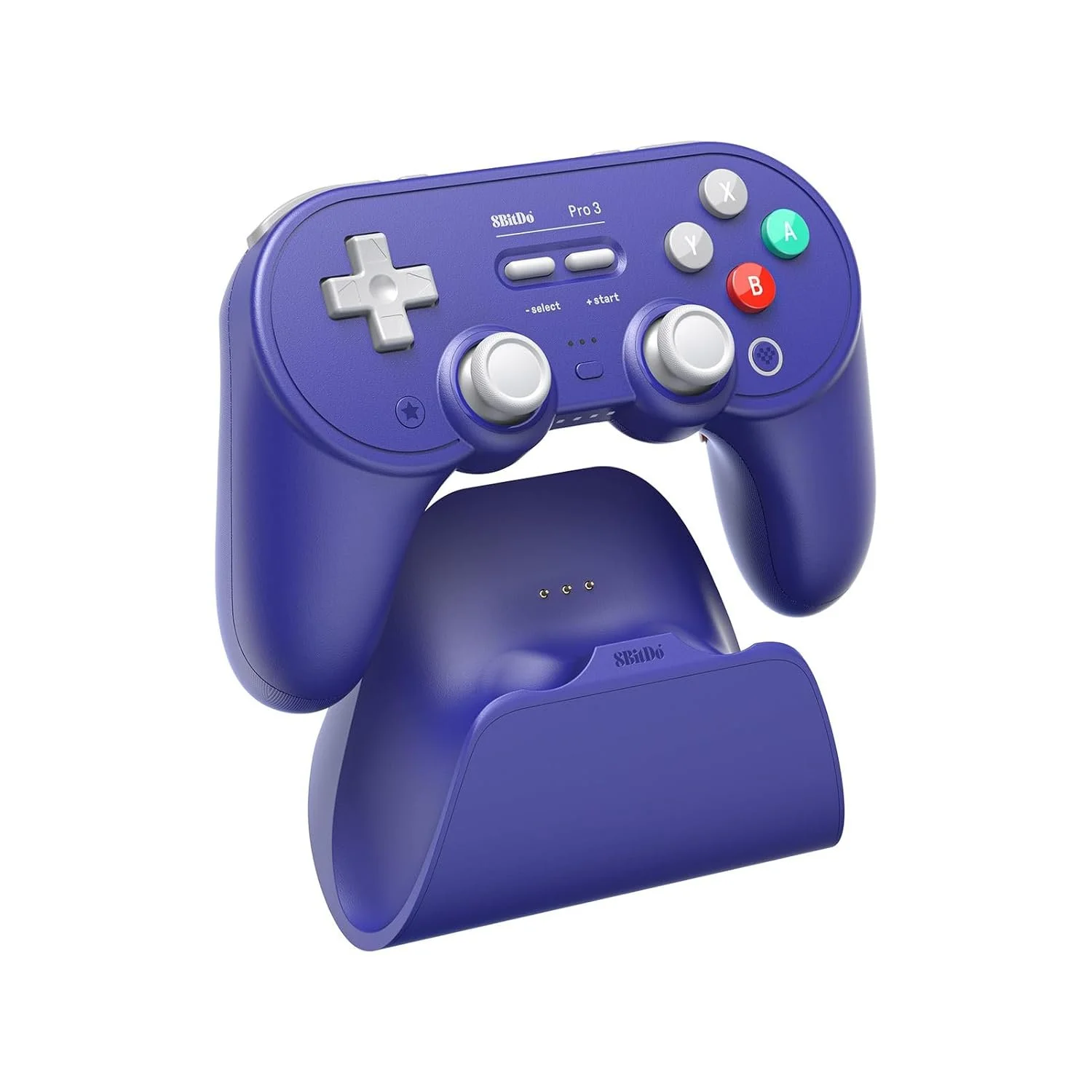
The Pro 3 controller is a great unit, it fits comfortably in my hands, offers all the functions I needed on my Switch 2 and PC, plus looks great in the purple. My main reason for not making this my go to controller is simply due to the stick placement, it is not for me. The ability to swap the buttons and stick caps around gives you a bit of freedom to shape to suit your needs, which is nice and the programable nature gives you even more control. While not a perfect controller for me, it is a damn good one and if you are ok with the layout, it could be perfect for you.
The Score
8.5
Review unit provided by 8BitDo
The Pros
The sticks, triggers and face buttons feel good to use, all respond without issue
Feels great to hold in the hand, with the slightly more rounded grips…
The Cons
… but the stick placement might be an issue for some users
The tool to swap the buttons is tiny and feels like it will be easily lost